
PanoCraft · Free 360 Image Generator Online
AI panorama
generator for 360° images.
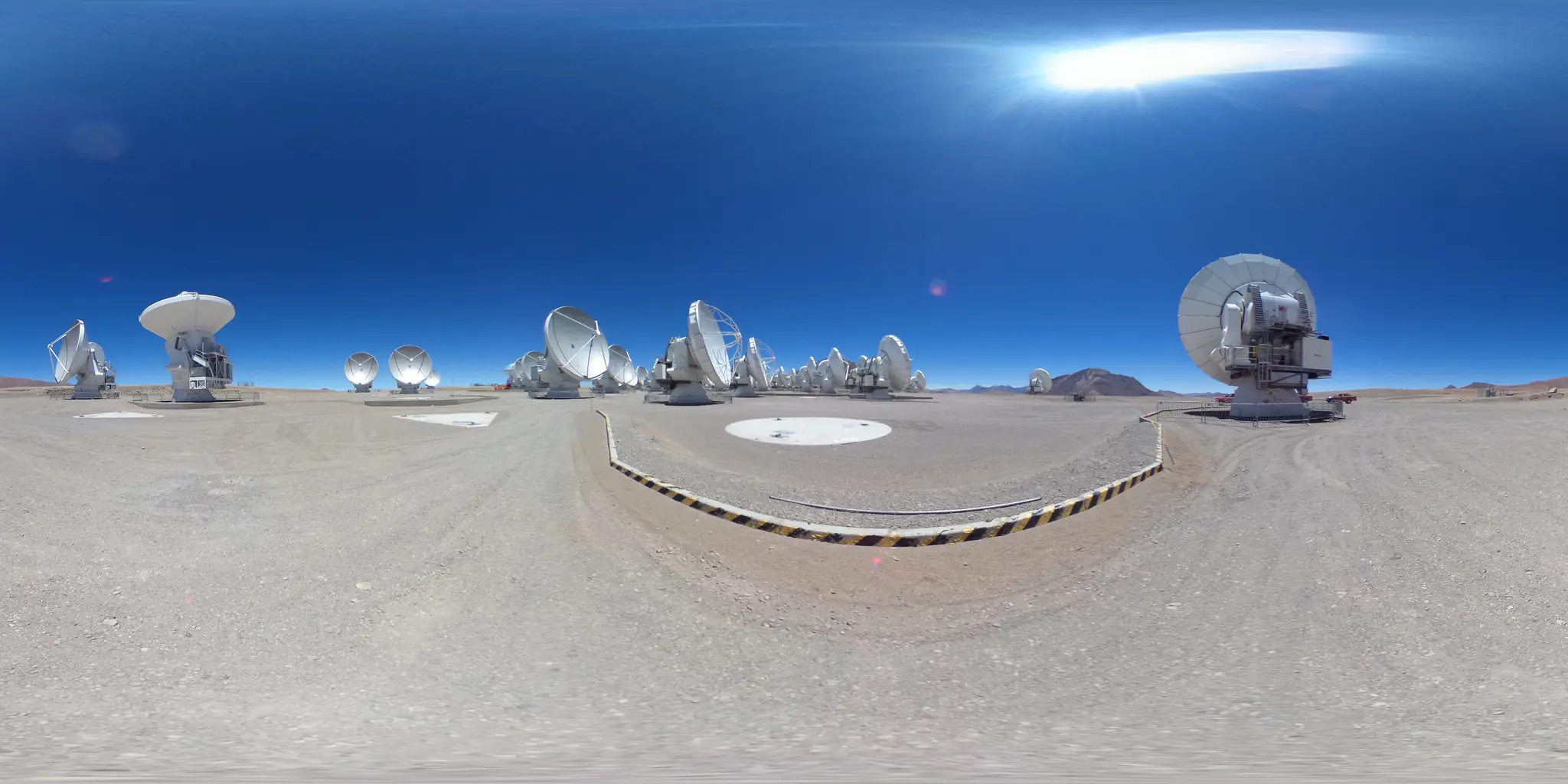
PanoCraft is a web app that creates 360° panoramic images with AI. Turn a text prompt or a photo into a high-resolution panorama, walk through it as a 3D world, and link scenes into shareable virtual tours.
Feed it a few photos, get back the whole sphere.
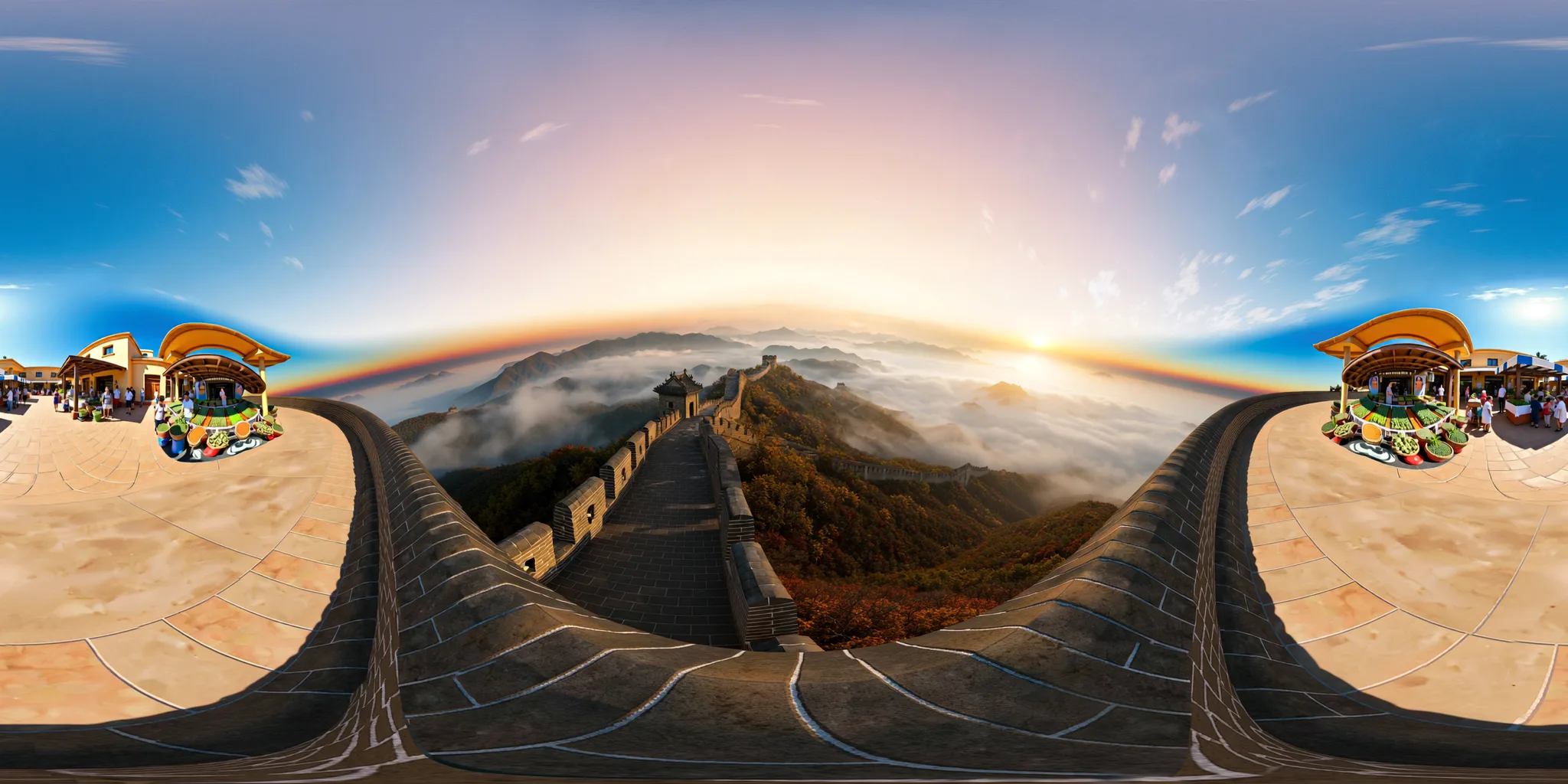
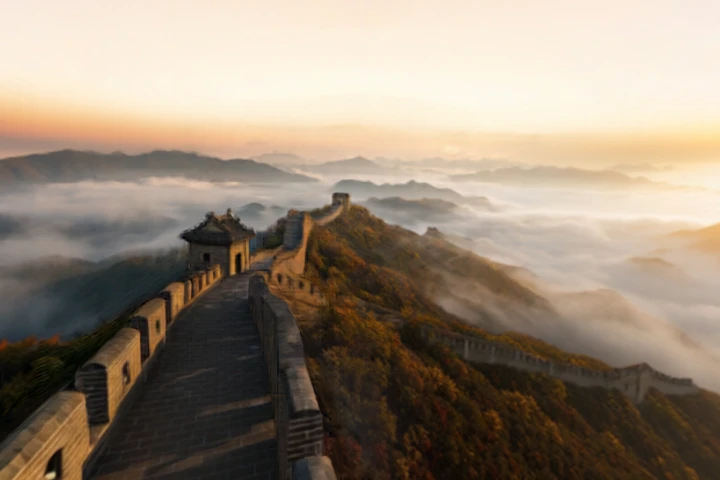
Drop one reference — or several. PanoCraft keeps the subject, matches the light and palette, and paints everything the camera never saw: behind you, above you, under your feet.
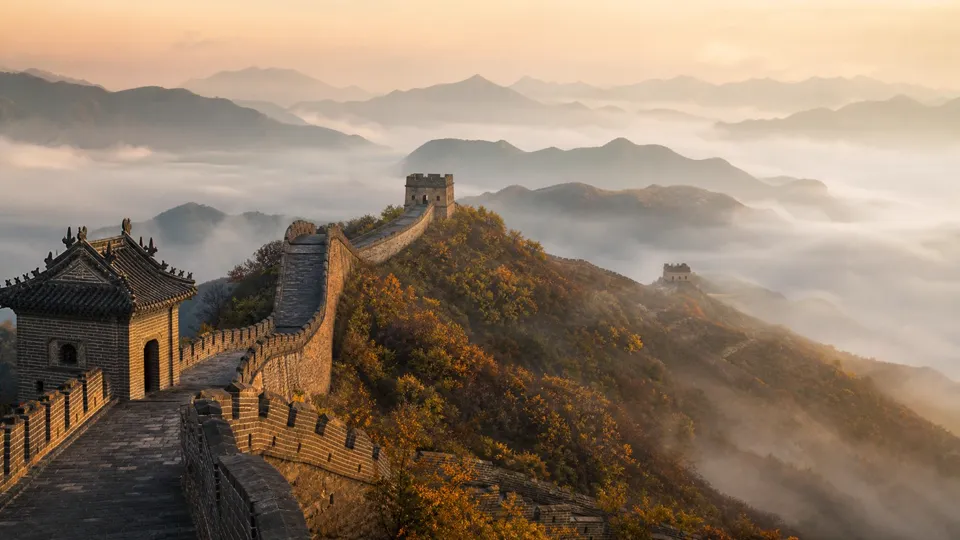
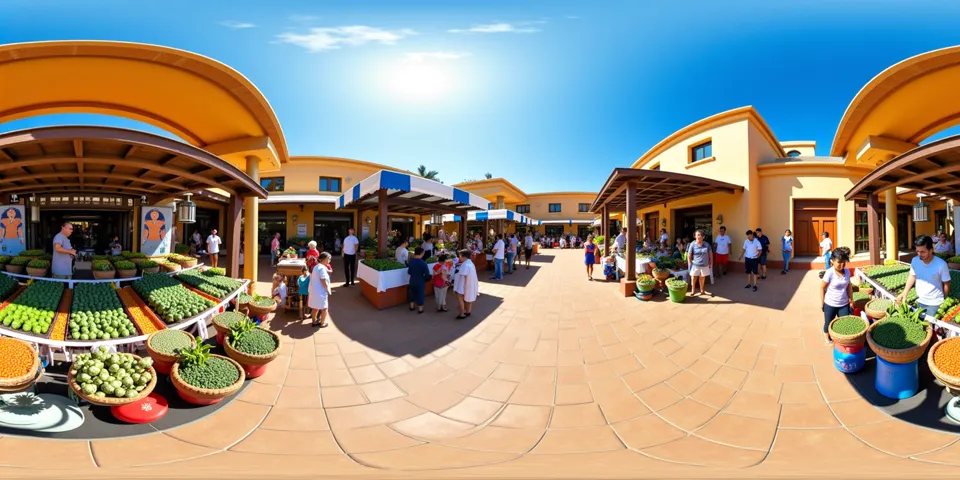
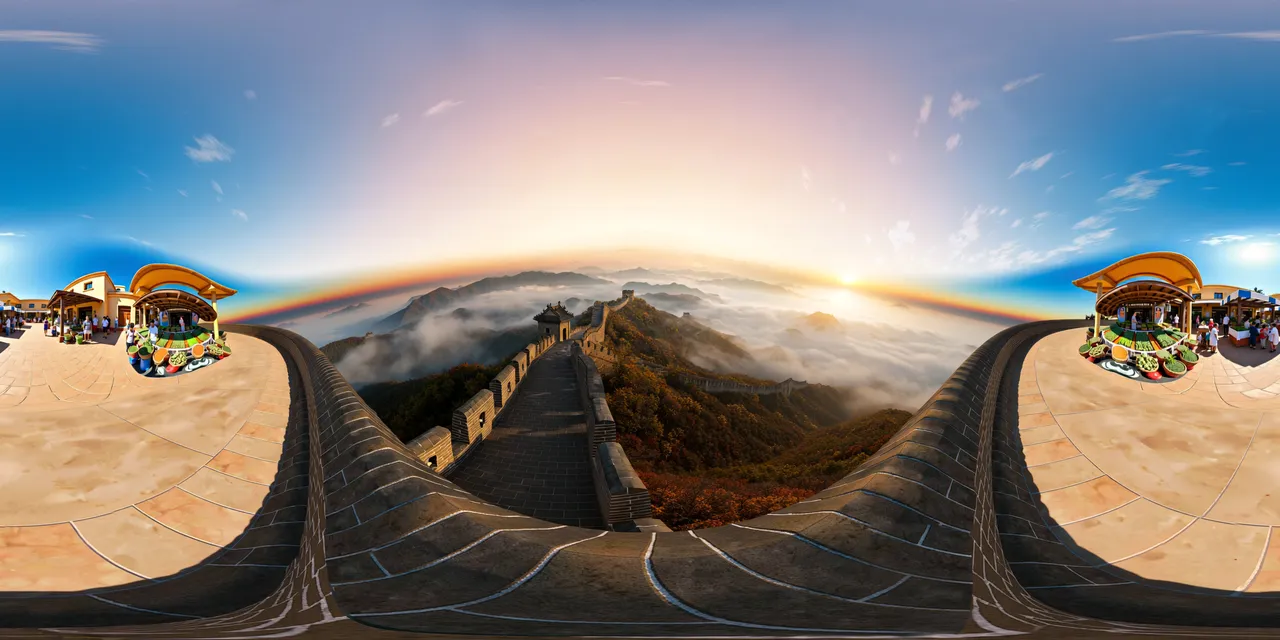
The wall and its watchtower lead the view; the market square wraps around behind you. Seam-matched, ready for VR viewers, skyboxes, 3D worlds and tours.
Step from pano into a walkable world.
Any panorama can become a 3D Gaussian-splat world with a downloadable collider mesh. These two started as generated 360° images — step inside and walk around.
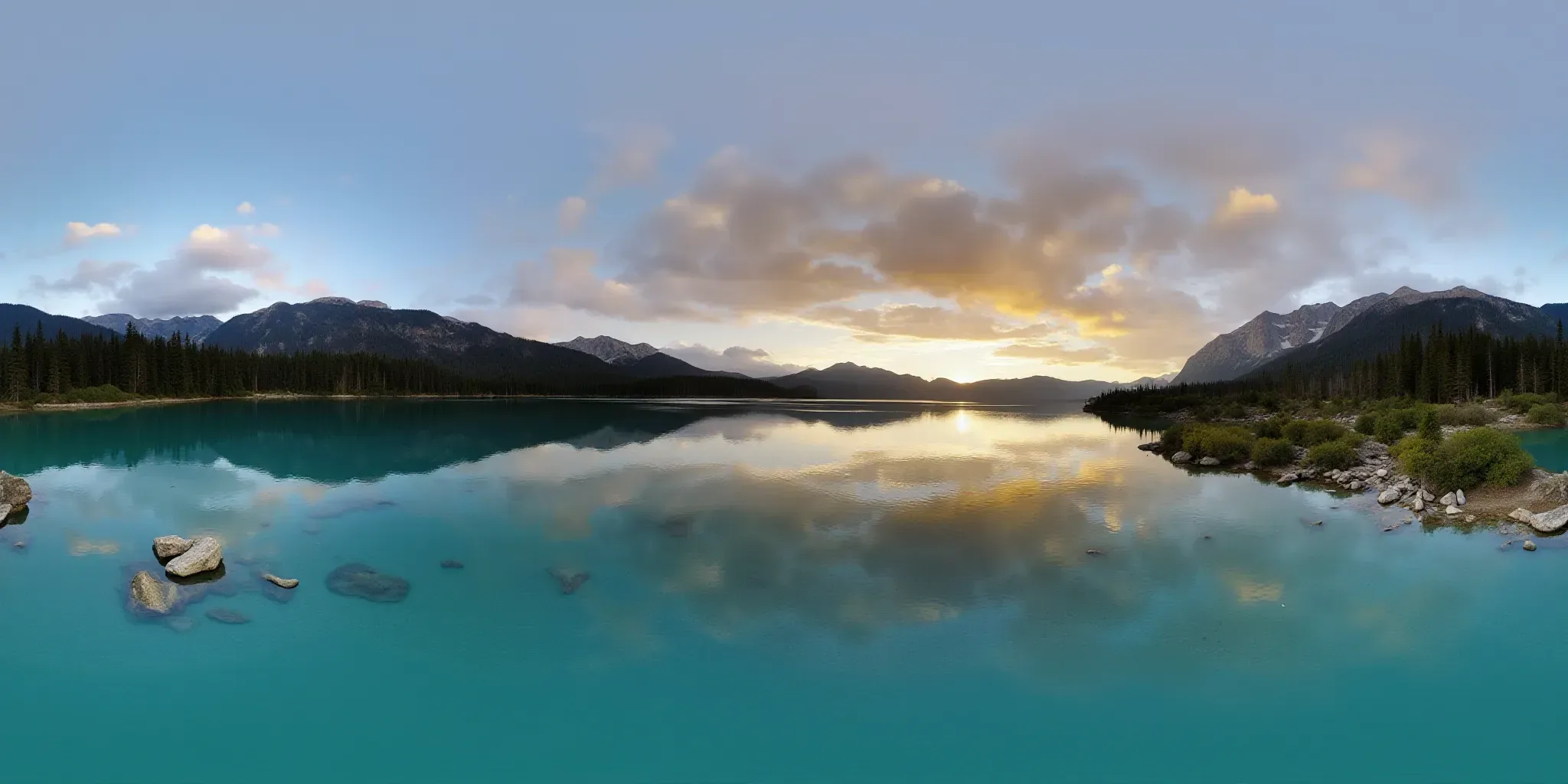
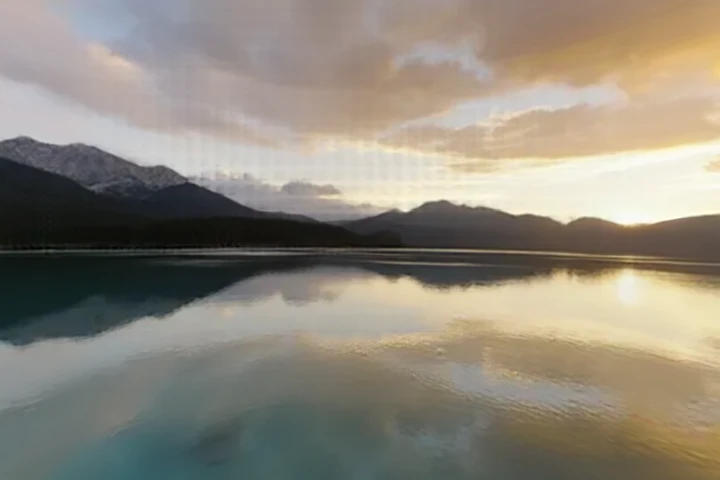
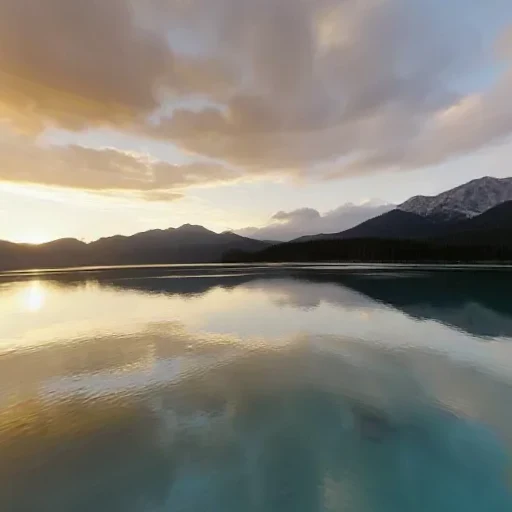
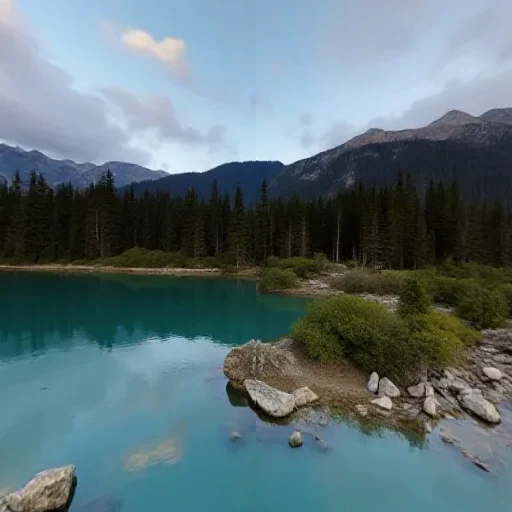
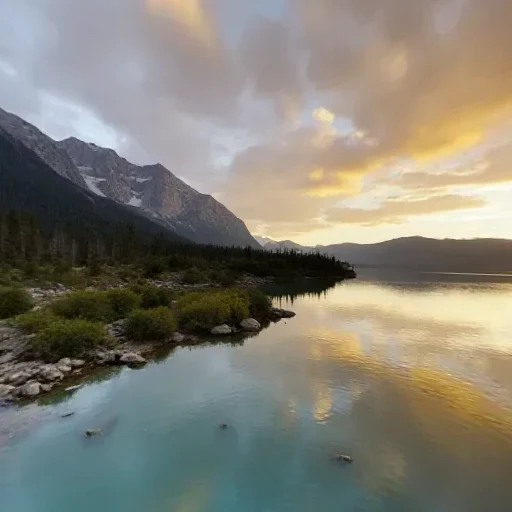
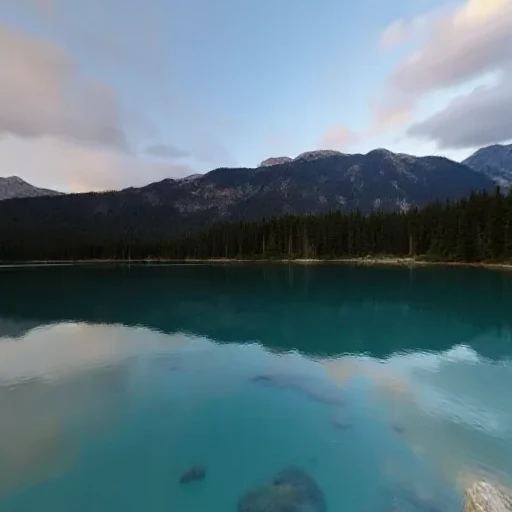
Turquoise water, pine shoreline and a ridge catching the last light — generated from a one-line prompt, then lifted into 3D.
- 01Generate a panoramaFrom text, one photo, or several references.
- 02Build the worldOne click lifts the sphere into Gaussian splats.
- 03Walk, export, or tour itExplore in the browser, download PLY/GLB, or link it into a tour.
Connect every scene into one guided experience.
Combine generated panoramas, walkable 3D worlds and your own 360° photos. Drop scene links and info hotspots, then publish a branded visitor link. Read the 5-minute guide →
Notes that stay where they were left.
Visitors can pin a note to the exact direction they are looking at, or check in with one tap. The next visitor sees the tip right where it matters — still hanging on that ridge, that doorway, that skyline — instead of buried under the page.
Anchored to the view
A note is saved with the direction it was written from, so it reappears on that exact ridge, doorway or skyline.
One-tap check-ins
Visitors can quietly mark that they were there — one check-in per person per day, no extra form.
Moderation built in
Scene owners can hide or restore any note. Three reports hide one automatically while it waits for review.
Reading notes never needs an account; writing one does.
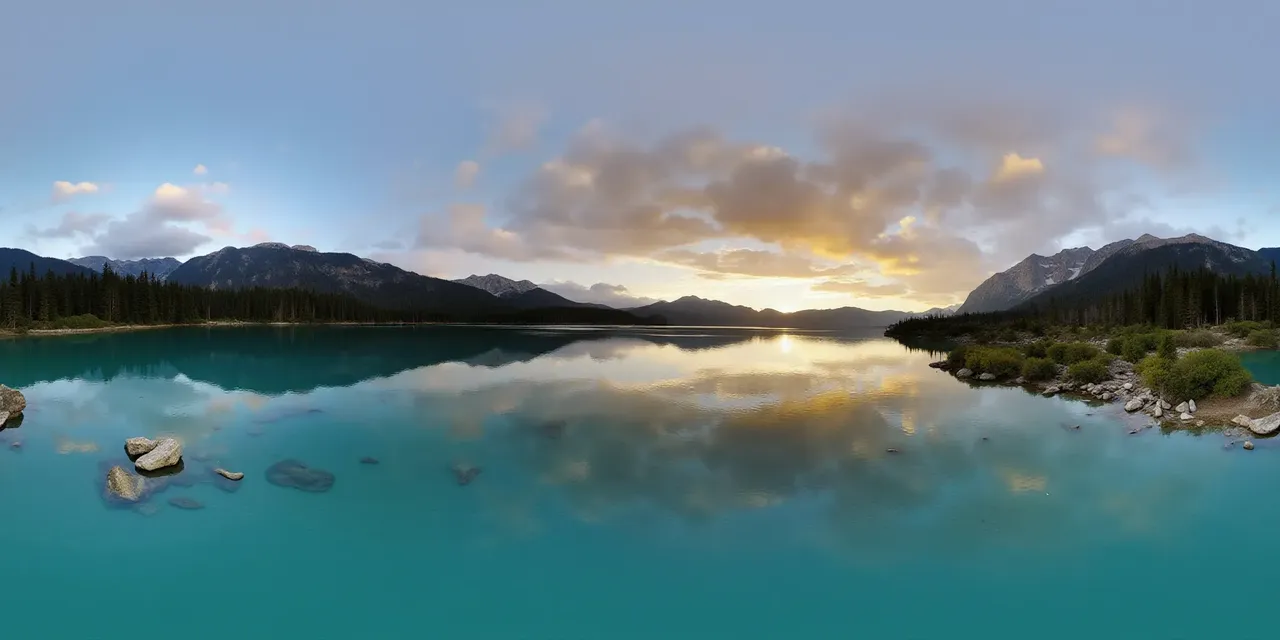
Sunset hits the far ridge around 6 pm — the lake turns copper for about ten minutes.
Click a pin — the preview behaves like the visitor view.
Worlds made to look around in.
A curated slice of equirectangular spheres — click any to open the 360° viewer.
Take the panorama the last mile.
Split a 360° image into engine-ready cubemap faces, stitch faces back into a panorama, validate a 2:1 image, or encode a Radiance .hdr. Open a panorama in a full-screen viewer, record a turning clip, or wrap an image around a globe — every tool runs locally in your browser.
2:1 · equirectone panorama
 px
 nx
 py
 ny
 pz
 nz
six square faces · px nx py ny pz nz
Panorama to Cubemap
Split a 2:1 360° image into six square skybox faces.
six faces, any order
2:1 · seamlessseam matched at both edges
Cubemap to Panorama
Stitch six skybox faces into one 2:1 equirectangular image.
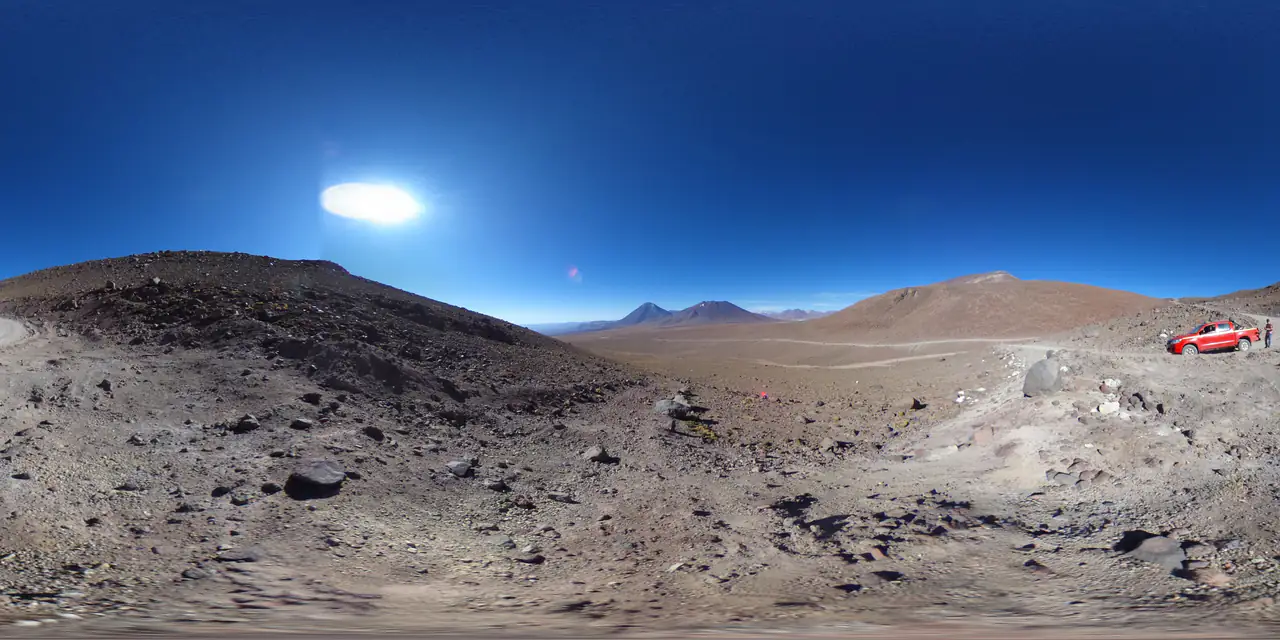
Panorama Checker
Check aspect ratio, seam, resolution and clipping before you ship.
one photo
 360° environment
Image to HDRI
Encode a 360° image as a Radiance .hdr with adjustable exposure.
A free AI panorama generator — text or image to 360°.
Type a prompt — “misty pine forest at dawn” — or drop a reference photo and get a high-resolution 360 image. Outputs are equirectangular (2:1) by default.
Text to 360°
Describe a place in a sentence. The engine paints a complete equirectangular sphere — not a crop, not a wide shot.
Image to 360°
Drop any photo. The model keeps your subject and extends it into a believable full surround.
Production-ready output
Seam-matched 2:1 panoramas with correct pole convergence — 2048×1024, delivered as WebP, PNG or JPEG.
Straight into your pipeline
Standard equirectangular files drop into Unity, Unreal, Blender, Three.js and every VR headset.
Where panoramas actually get used.
VR & game skyboxes
Drop equirectangular exports straight into Unity, Unreal, or Three.js.
Real-estate tours
Stage a home that has not been built, or replace the sky in an empty listing.
Architectural visualization
Pre-visualize sightlines and daylight from any point inside a concept.
Creative R&D
Prototype immersive storytelling, music visuals, or exhibition backdrops.
Pay for renders, not seats.
What PanoCraft does — and what it never does.
What PanoCraft is for
PanoCraft generates 360° panoramas of places — landscapes, interiors, cities, game and VR environments — from text prompts or reference photos, and turns them into explorable 3D worlds and virtual tours. Browsing, pricing and shared tours need no account.
Why we ask you to sign in
Sign-in with Google, GitHub or an email link only creates your PanoCraft account, so your credits and creations are saved. From Google we receive just your name, email address and profile picture. We don't access Gmail, Drive or Photos, and we don't use any Google API to generate images.
Responsible use
PanoCraft does not create sexual or nude content, and never non-consensual intimate imagery (NCII) of anyone, real or AI-generated. Prompts are screened automatically and violating requests are refused; abusing accounts are suspended.
Read the full Privacy Policy and Terms of Service.
Questions, answered.
01What is an AI panorama generator?
It uses artificial intelligence to turn a text prompt or reference photo into a complete 360° panoramic photo. PanoCraft outputs standard 2:1 equirectangular panoramas for 360° viewers, WebXR, VR headsets, and game engines.
02Can I generate a panorama online for free?
Yes. PanoCraft runs in the browser, so there is nothing to install. New accounts get 150 free credits, with no credit card required and no watermark on outputs.
03How do I create a 360° panorama from a photo?
Upload a flat landscape, interior, or mood image. The AI extends it into the full surrounding sphere, and you can look around the result in the built-in 360° viewer before downloading.
04Can a panorama become a 3D world or a virtual tour?
Yes. Any panorama can be lifted into a walkable Gaussian-splat world with a collider mesh, and panoramas and worlds can be linked into a virtual tour with hotspots and a shareable visitor link.
05Can visitors leave notes or check in on a tour?
Yes. On any published tour scene or gallery piece, visitors can pin a note to the exact direction they are looking at, or check in with one tap. Reading never needs an account; writing one does. Scene owners can hide or restore notes, and a note is hidden automatically after three reports.
06What projection does the output use?
The default is 2:1 equirectangular, the standard for 360° viewers, WebXR, and game engines.
07How are credits charged?
Credits are deducted only after a successful generation. The cost is shown before you click Generate and depends on the engine and the output type.
08Who owns what gets generated?
You do. Commercial use is allowed on paid plans. We do not train on your prompts or results unless you opt in.
Your next scene, already rendered.
Start with 150 free credits. No card, no watermark.