
Turn a 360° image into a Radiance .hdr
Encode a 2:1 JPG, PNG or WebP as a 32-bit RGBE Radiance file that Blender, Three.js and game engines can read. Exposure is adjustable, and the conversion stays on your machine.
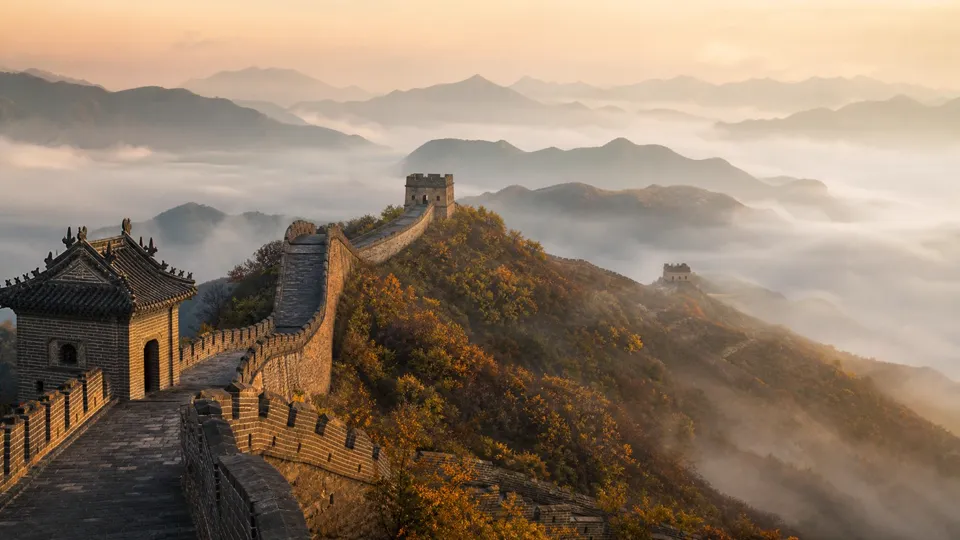
one photo
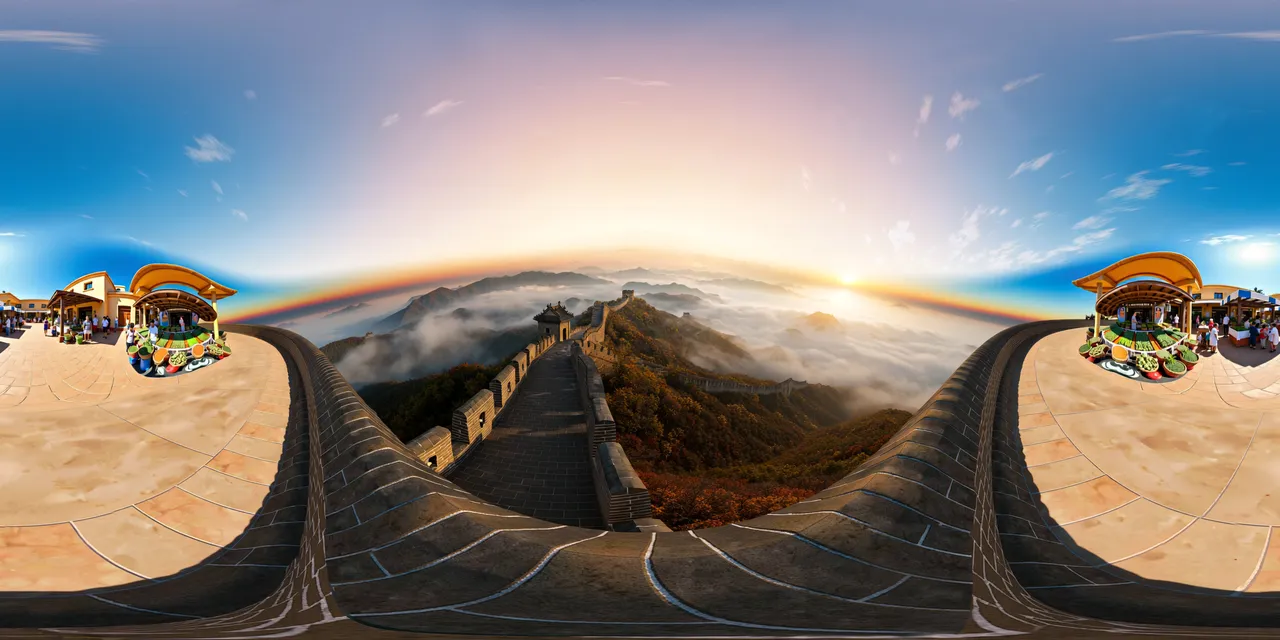 360° environment
Encode a Radiance .hdr
2:1 JPG, PNG or WebP · RGBE output · no upload
4K is the default. Smaller sizes are quicker and use less memory on phones.
Not sure the source is a valid 2:1 panorama?
Run the Panorama CheckerDrop a 2:1 image
JPG, PNG or WebP. A panorama works best; any 2:1 equirectangular image can be encoded.
Set exposure
Move the exposure slider to place the mid-tones. −2 EV darkens, +2 EV brightens; the encoder converts sRGB to linear first.
Download the .hdr
The output is a standard Radiance file with RGBE pixels and RLE scanlines, ready for an Environment Texture node or a skybox importer.
Specifications
- Input
- 2:1 JPG / PNG / WebP, up to 16.7 MP
- Output
- Radiance .hdr, 32-bit RGBE with RLE
- Output sizes
- 1024 × 512, 2048 × 1024, 4096 × 2048
- Color
- sRGB EOTF → linear, exposure gain 2^EV
- Header
- #?RADIANCE, FORMAT=32-bit_rle_rgbe, -Y H +X W
- Range
- 8-bit source: LDR-derived, not measured HDR
What people use it for
Blender world lighting
Load the .hdr as an Environment Texture and use it for background and lighting. It is a good match for stylised scenes, not for physically measured light levels.
Three.js environment
Use RGBELoader to decode the file, set mapping to EquirectangularReflectionMapping, and assign it to scene.environment or scene.background.
Unity / Unreal skybox
Import the Radiance file as an HDR texture and use it in a skybox or skylight. Exposure in the file is baked, so adjust the engine's own exposure afterwards.
Quick look-dev
Preview how a generated panorama behaves as a lighting environment before committing to a full HDR capture or a render farm pass.
How this tool works
- Exposure is the only tone control; there is no highlight recovery.
- The RGBE exponent is capped at 255, which is far beyond anything an 8-bit source can produce.
- Alpha is dropped: Radiance RGBE has no alpha channel.
Questions, answered plainly
If something here does not match what you see in your engine, the technical notes above are the exact behaviour of this tool.
Is this a real HDR image?
No. The source is 8-bit sRGB, so the file is an LDR-derived HDRI: it has the RGBE container and linear values, but it cannot recover detail that was clipped in the original. It does not claim measured high dynamic range.
Why convert an LDR image to .hdr at all?
Many engines and renderers expect a Radiance environment file even for stylised skies. The conversion gives them a correctly linearised file in the format they read, with exposure baked in.
Is the image uploaded?
No. Decoding, linearisation, RGBE encoding and RLE compression all happen in your browser.
Which applications can read the output?
Blender, Three.js (RGBELoader), Unity, Unreal, Godot and most renderers that support Radiance .hdr files. The file uses the standard 32-bit_rle_rgbe format.
Why is the .hdr so large?
RGBE stores four bytes per pixel and RLE only shrinks smooth regions. A 4096 × 2048 image is about 32 MB uncompressed; the file is usually smaller but still far larger than a JPEG.
Can I use a non-2:1 image?
You can encode it, but it will not map correctly as an equirectangular environment. Run it through the Panorama Checker first if you are unsure.
Related tools
All tools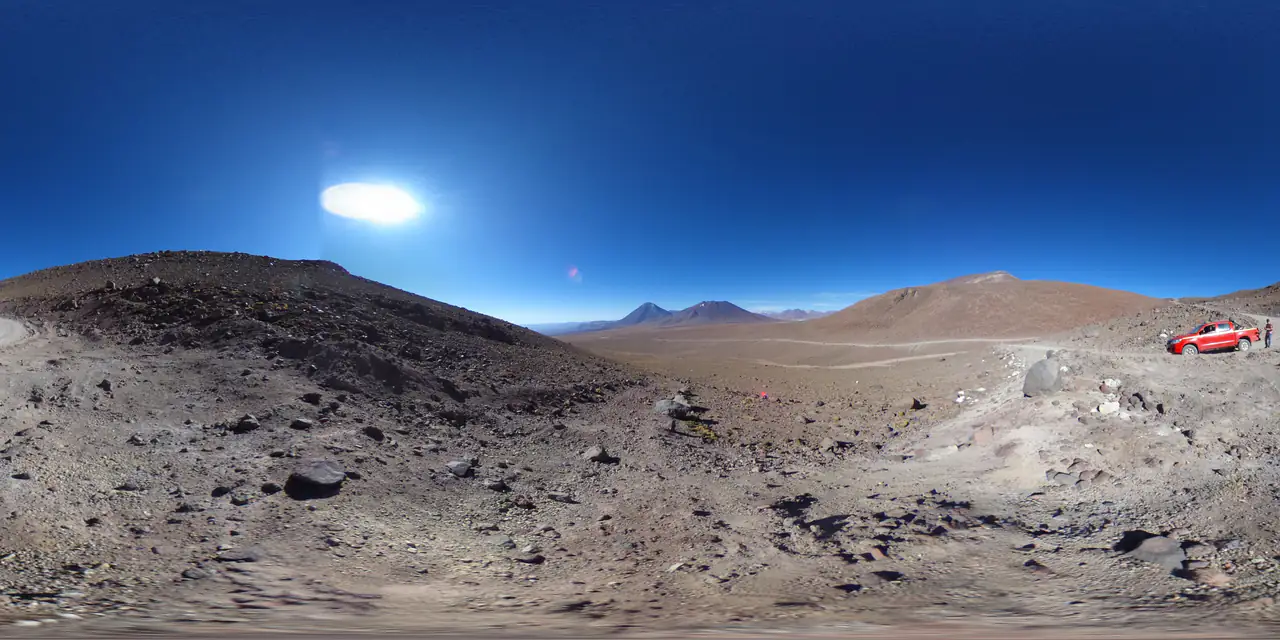
Panorama Checker
Check aspect ratio, seam, resolution and clipping before you ship.
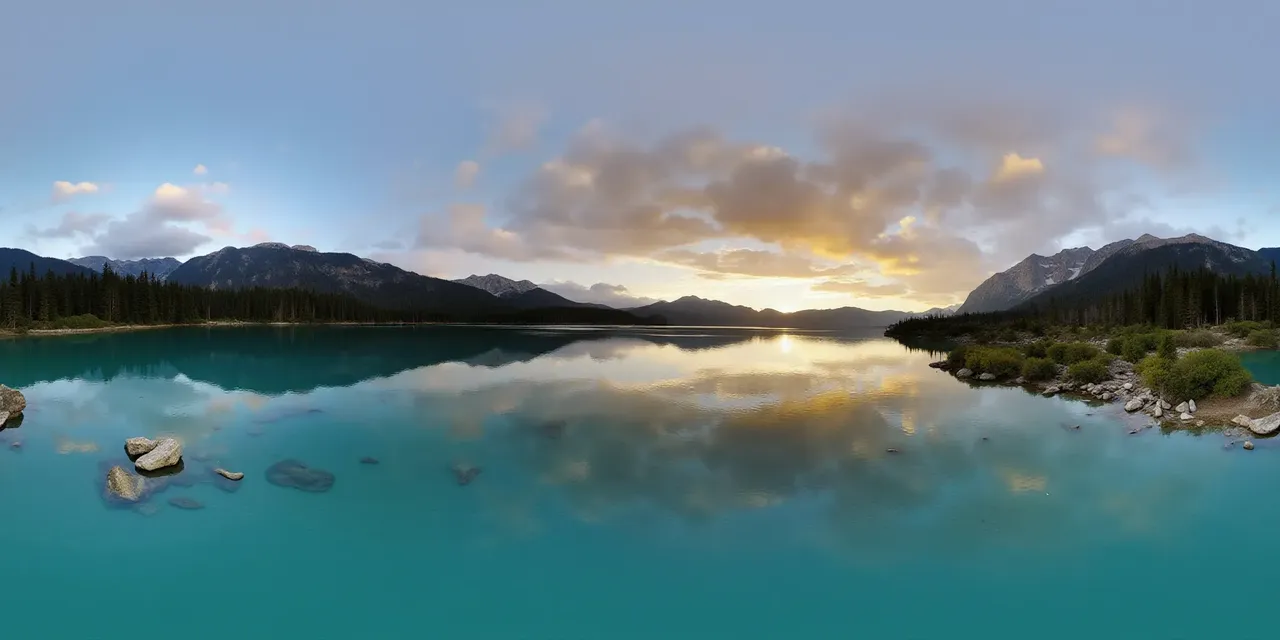 2:1 · equirect
one panorama
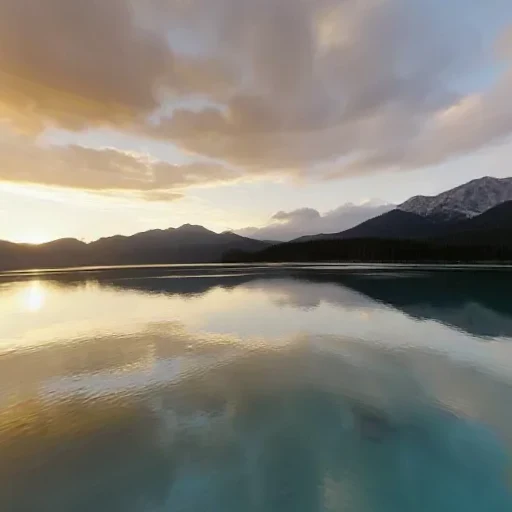 px
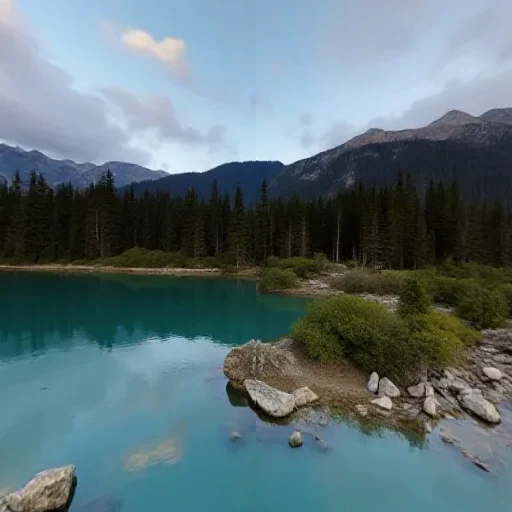 nx
 py
 ny
 pz
 nz
six square faces · px nx py ny pz nz
Panorama to Cubemap
Split a 2:1 360° image into six square skybox faces.
six faces, any order
2:1 · seamlessseam matched at both edges
Cubemap to Panorama
Stitch six skybox faces into one 2:1 equirectangular image.
Further reading
All guidesEquirectangular to HDRI: a practical Blender and Three.js workflow
Encode a 2:1 panorama as a Radiance .hdr for Blender, Three.js, Unity or Unreal. What RGBE changes, what it cannot recover, and how to set exposure.
Read the guideThree.js 360° panorama viewer: equirectangular vs cubemap
Build a Three.js 360° viewer with an equirectangular texture or six cube-map faces. Code for both, color-space settings and mobile performance.
Read the guideWhat can you do with a 360° panorama?
A 360° panorama can be a game skybox, a virtual tour, an HDRI light source or an immersive preview. Six real uses, and the format each one needs.
Read the guideGenerate a 2:1 panorama, then bring it back here.
PanoCraft turns a prompt or a photo into a 360° panorama. This tool takes it the last mile into your engine, viewer or lighting setup.
Files are decoded and processed in your browser memory. Nothing is uploaded, logged or stored on a server. Refreshing the page discards every file and result.