
Free 360° tools that run on your machine
Convert panoramas to cubemaps, stitch faces back into a sphere, validate a 360° image, encode a Radiance .hdr, record a rotation video, wrap an image around a globe or just look around a panorama. Every tool runs in the browser: no upload, no account, no watermarked preview.
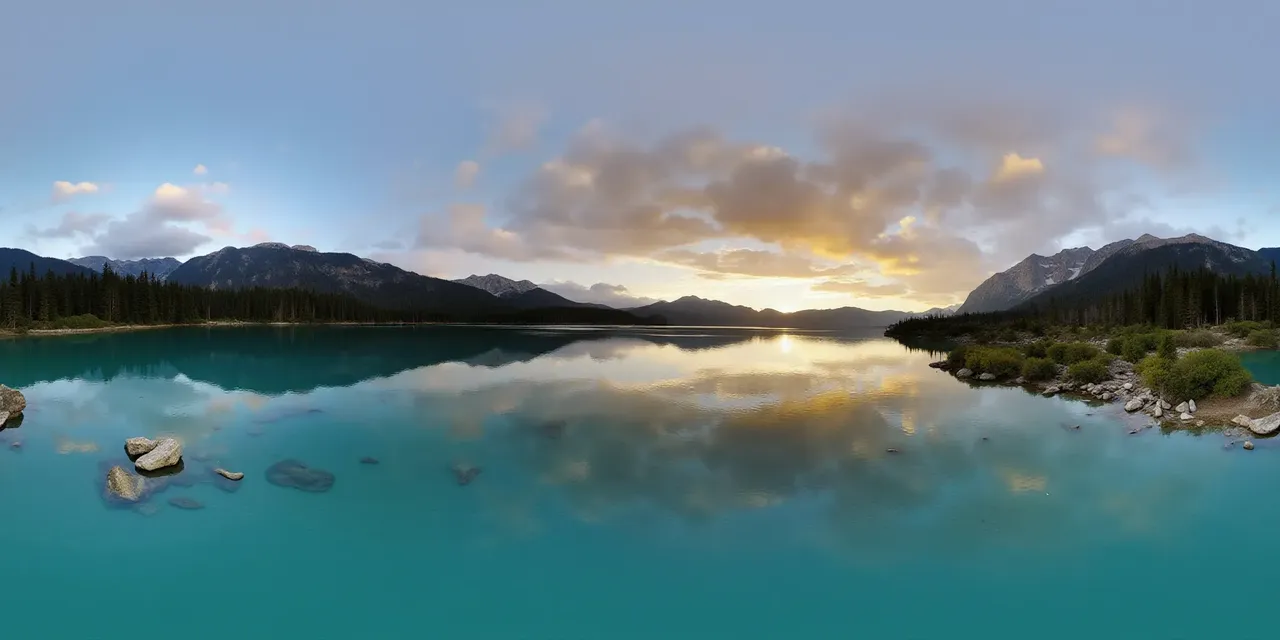 2:1 · equirect
one panorama
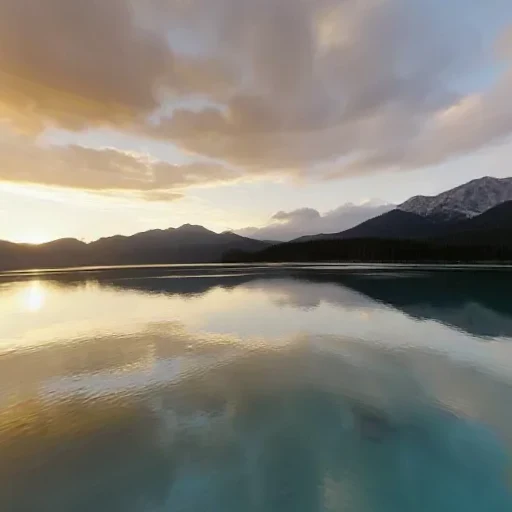 px
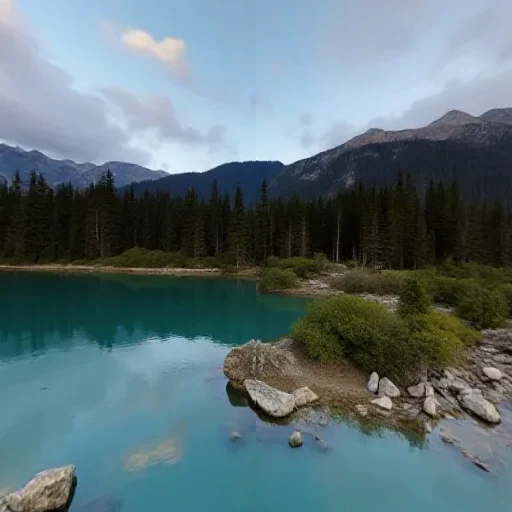 nx
 py
 ny
 pz
 nz
six square faces · px nx py ny pz nz
Panorama to Cubemap
Split a 2:1 360° image into six square skybox faces.
six faces, any order
2:1 · seamlessseam matched at both edges
Cubemap to Panorama
Stitch six skybox faces into one 2:1 equirectangular image.
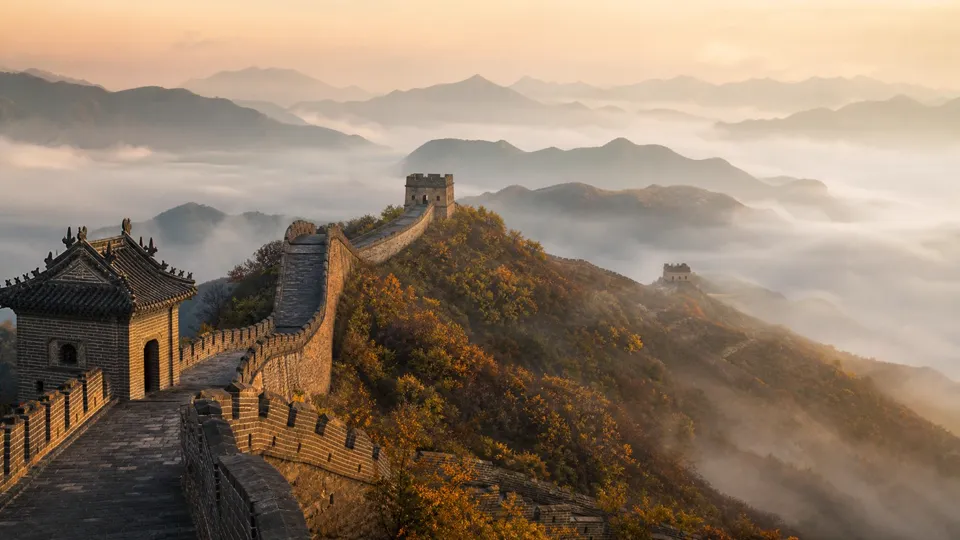
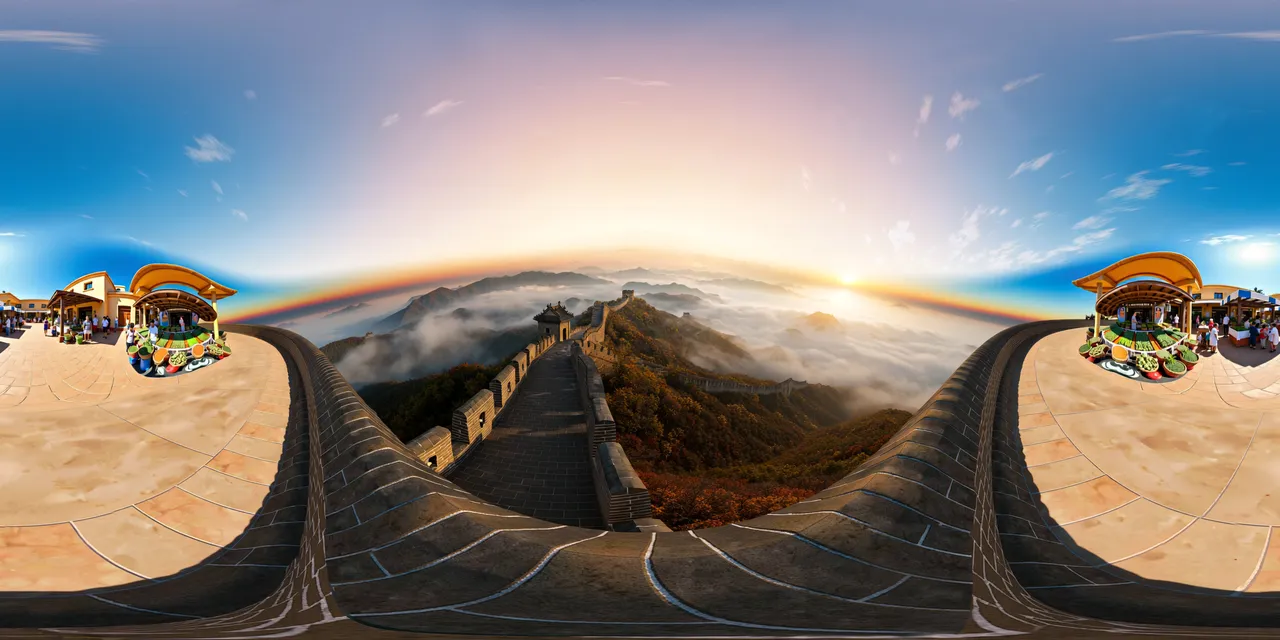
Panorama Checker
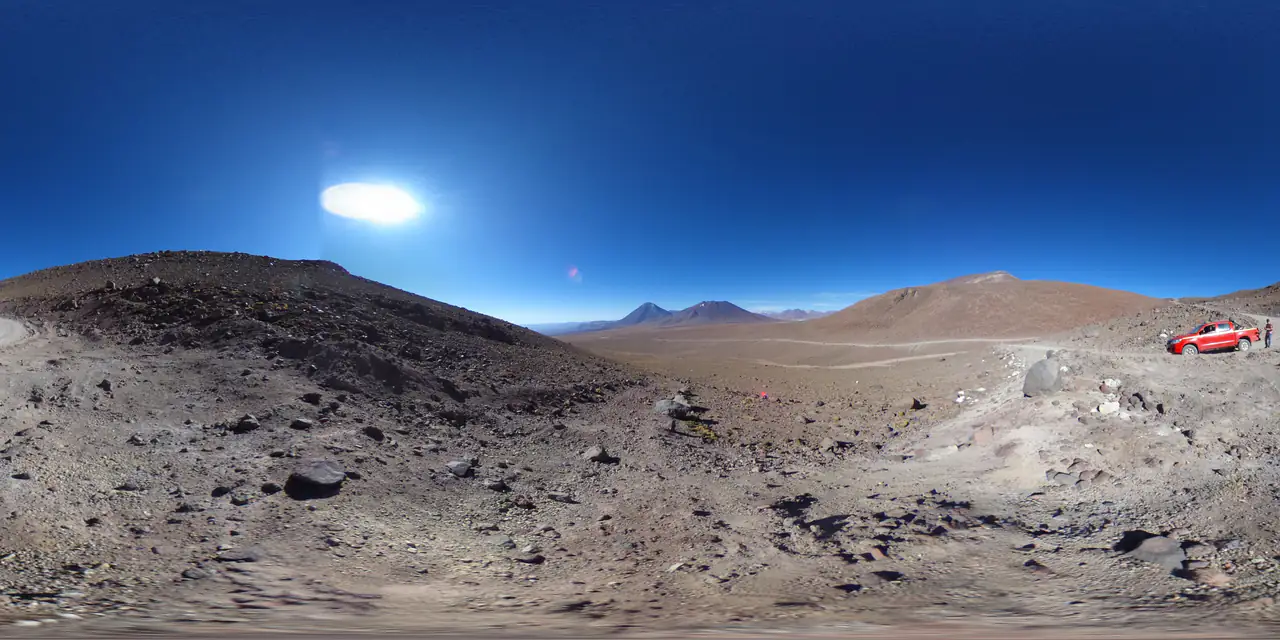
Check aspect ratio, seam, resolution and clipping before you ship.
one photo
 360° environment
Image to HDRI
Encode a 360° image as a Radiance .hdr with adjustable exposure.
360 Panorama Viewer
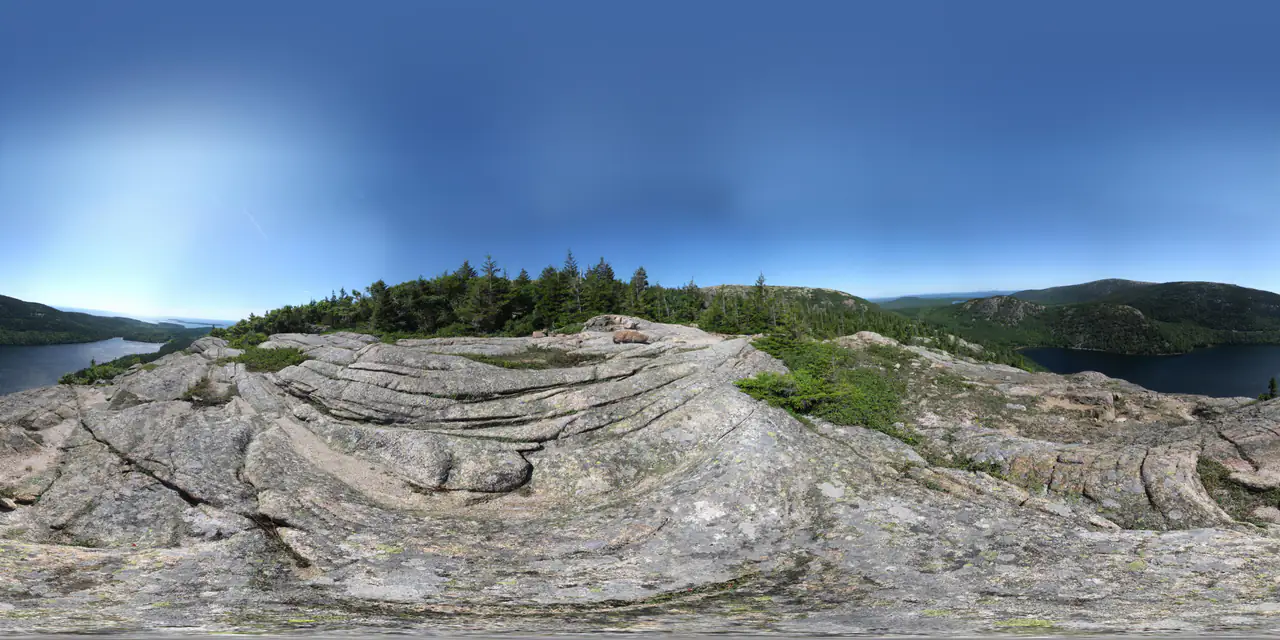
Open a 2:1 image as an interactive sphere — local, no upload.
360 Video Maker
Turn one panorama into a seamless 360° rotation video.
2:1 imagemap · texture · pano
 PNG
drag to rotate
Globe Maker
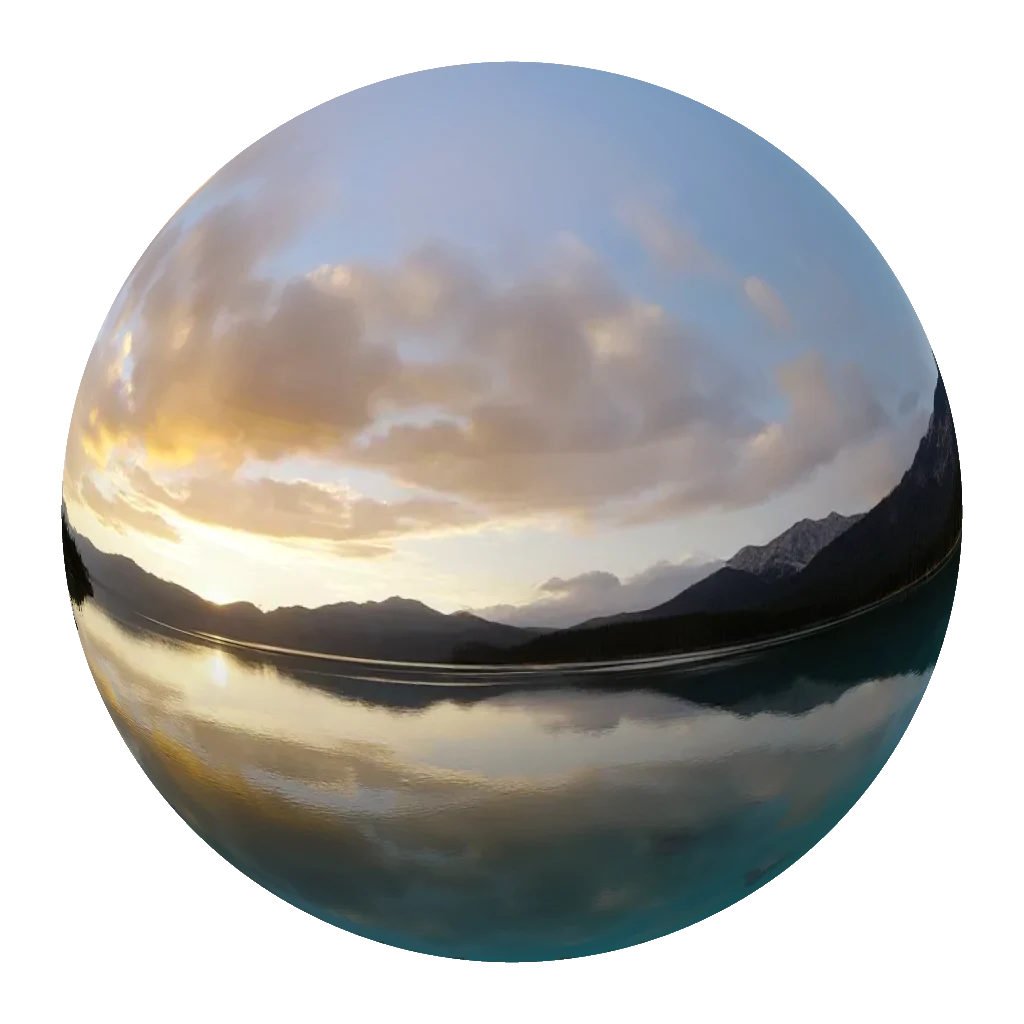
Wrap a map, texture or panorama around a 3D globe and export a PNG.
Your files stay on your machine
There is no upload endpoint, no temporary storage bucket and no job queue. The tools decode the file with the browser, compute in typed arrays and encode the download on your device.
Files are decoded and processed in your browser memory.
Nothing is uploaded, logged or stored on a server.
Refreshing the page discards every file and result.
Check
Run the Panorama Checker to confirm the image is 2:1 and the seam is clean.
Convert
Split it into cubemap faces for an engine, or encode a Radiance .hdr for lighting.
Use it
Import into Unity, Unreal, Blender, Three.js or a 360° viewer — no re-encoding step.
About the free tools
These tools are separate from the generator: they do not use credits, do not need an account and do not create anything on the server.
Are these tools really free?
Yes. There is no account, no trial and no watermark. The work happens on your device, so there is no per-use cost to pass on.
Do you upload my images?
No. The tools use the browser canvas and typed arrays only. You can verify this in the network panel: there is no upload request.
What formats are supported?
JPG, PNG and WebP input. Output is PNG, ZIP, Radiance .hdr, MP4 or WebM depending on the tool. The viewer and video maker play the source directly without re-encoding it.
Can I use the output commercially?
The tools do not add watermarks or license restrictions to your files. You still need the rights to the source image, and any model or stock licence that applies to it.
Why are there no API or batch tools?
These are deliberately local, single-file tools. Server-side conversion and an API are separate projects with their own security and abuse-prevention work.
Which tool should I start with?
Use the Panorama Checker if you are unsure whether an image is a valid 2:1 panorama. Open it in the 360 Viewer to look around, use Panorama to Cubemap for game engines, Cubemap to Panorama for the reverse, Image to HDRI for lighting, the 360 Video Maker for a flat clip, and the Globe Maker for a transparent globe image.
Build a virtual tour
Link panoramas and 3D worlds into a guided walkthrough with hotspots and transitions.
Read the guideGenerate a panorama
Turn a prompt or an image into a 2:1 360° panorama, then bring it back through these tools.
Open the generatorBrowse the gallery
See what other creators made, with the prompt behind every panorama and world.
Explore the galleryA skybox is one conversion away.
Start with a panorama you already have, or generate one and send it straight through the pipeline.
Read the AI skybox workflow