
Panorama to cubemap, right in your browser
Drop a 2:1 equirectangular image and get the six square faces a game engine expects. The conversion runs on your machine: the file is never uploaded, and the page makes no API calls.
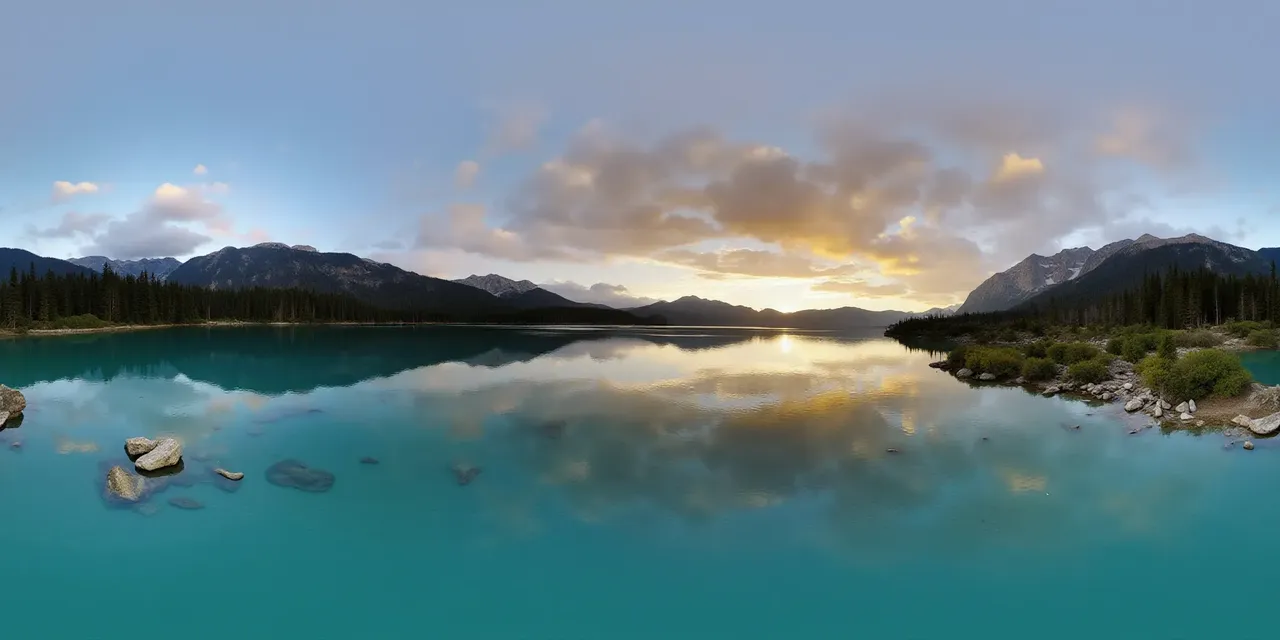 2:1 · equirect
one panorama
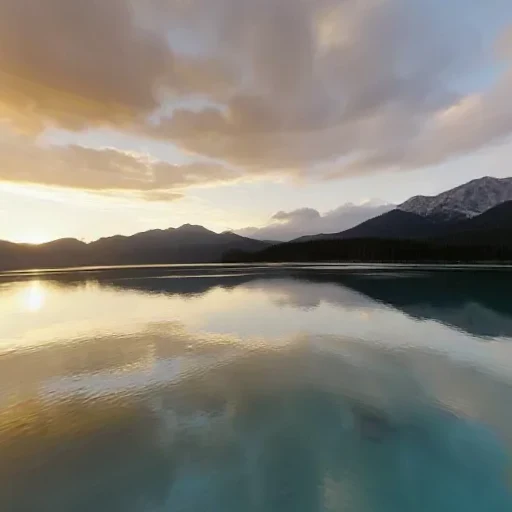 PX · right
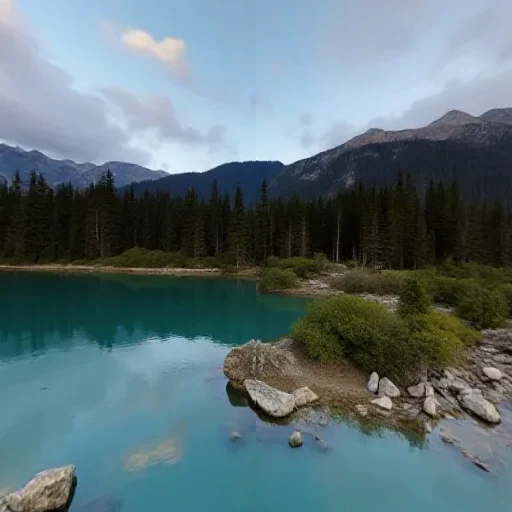 NX · left
 PY · up
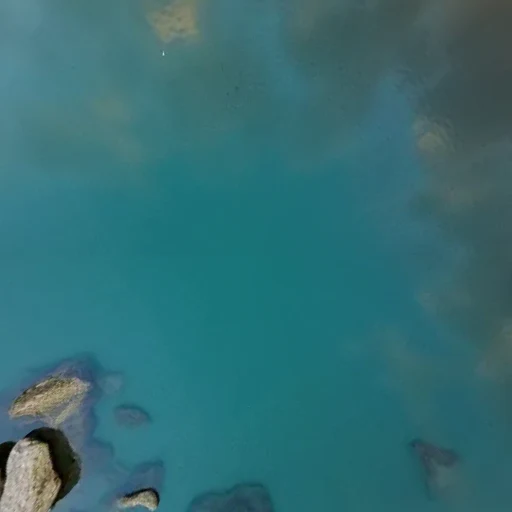 NY · down
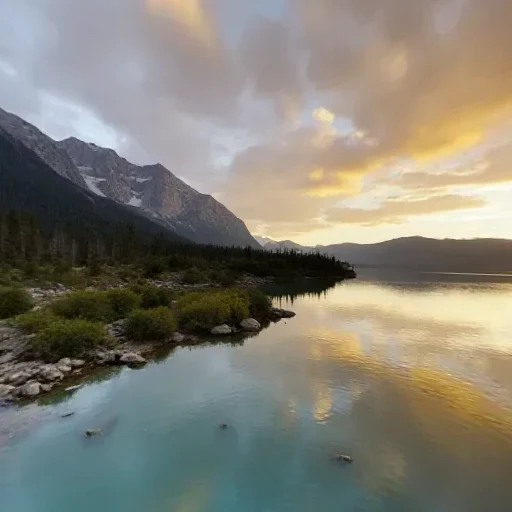 PZ · front
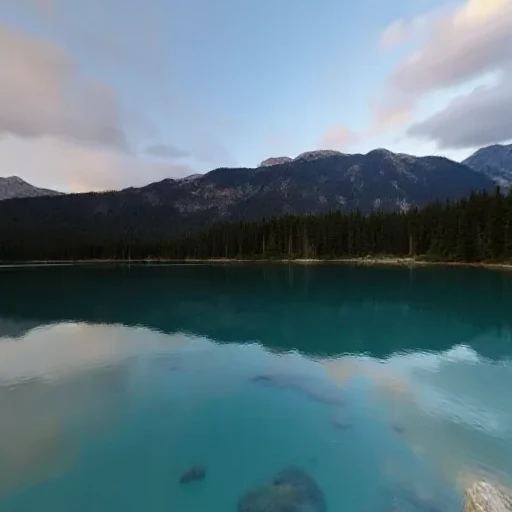 NZ · back
six square faces · px nx py ny pz nz
Convert a panorama
JPG, PNG or WebP · up to 40 MB · stays in this tab
1024 px is the usual choice for real-time scenes. 2048 px costs more texture memory in the engine.
Need the reverse? Turn six faces back into a 2:1 panorama.
Cubemap to PanoramaChoose your panorama
Drop a 2:1 JPG, PNG or WebP. Generated PanoCraft panoramas work as-is; any equirectangular image with a 2:1 aspect ratio also works.
Pick the face size
512 px for previews, 1024 px for most real-time scenes, 2048 px when you need extra detail in a hero skybox.
Download the six faces
Each face downloads as PNG, named px/nx/py/ny/pz/nz, or grab all six in one ZIP and drop the folder into your engine.
Specifications
- Input
- Equirectangular 2:1, JPG / PNG / WebP, up to 40 MB
- Output
- Six square PNG faces, ZIP or individual files
- Face sizes
- 512 × 512, 1024 × 1024, 2048 × 2048
- Face order
- px (+X), nx (−X), py (+Y), ny (−Y), pz (+Z), nz (−Z)
- Projection
- OpenGL / WebGL cubemap convention
- Large sources
- Downscaled to 16.7 MP before conversion
What people use it for
Unity skybox
Use a 6-sided skybox material with the px/nx/py/ny/pz/nz faces in that order. The mapping matches Unity's default cubemap layout.
Unreal Engine
Import the six PNGs as a cubemap texture, then plug it into a SkyLight or a background material. Keep the face order as exported.
Blender world
Build an Environment Texture from the cubemap faces, or keep using the panorama for a world shader and use the faces for look-dev previews.
Three.js
Load the six images with CubeTextureLoader in px/nx/py/ny/pz/nz order and assign the result to scene.background or scene.environment.
How this tool works
- Equirect → face mapping uses u = atan2(z, x) / 2π + 0.5 and v = 0.5 − asin(y) / π.
- Bilinear sampling; the panorama wraps horizontally and clamps vertically.
- No EXIF metadata is written; output PNGs are clean pixels only.
Questions, answered plainly
If something here does not match what you see in your engine, the technical notes above are the exact behaviour of this tool.
Is my panorama uploaded anywhere?
No. Decoding, projection and PNG encoding all happen in your browser. The page does not send your image to a server; you can watch the network panel and see no upload request.
What order are the faces in?
px (right, +X), nx (left, −X), py (up, +Y), ny (down, −Y), pz (front, +Z), nz (back, −Z). This is the standard OpenGL cubemap order used by Three.js, Unity and Unreal.
Why do some faces look stretched?
A cubemap is a different projection from a panorama, so straight lines bend near the edges and poles. That is expected: once the six faces are sampled as a cube, the distortion cancels out.
Which face size should I choose?
1024 px is the usual sweet spot for real-time scenes. Choose 2048 px only if the skybox is the main visual and your target can afford the texture memory; 512 px is fine for previews and mobile.
Can I convert an 8K panorama?
Yes, within the browser canvas budget: the source is downscaled to about 16.7 MP before conversion, so a very large panorama is resampled first. The page tells you the working resolution after you drop the file.
Does it work offline?
Once the page has loaded, yes. There is no server-side conversion step, so the tool keeps working without a network connection.
Related tools
All toolssix faces, any order
2:1 · seamlessseam matched at both edges
Cubemap to Panorama
Stitch six skybox faces into one 2:1 equirectangular image.
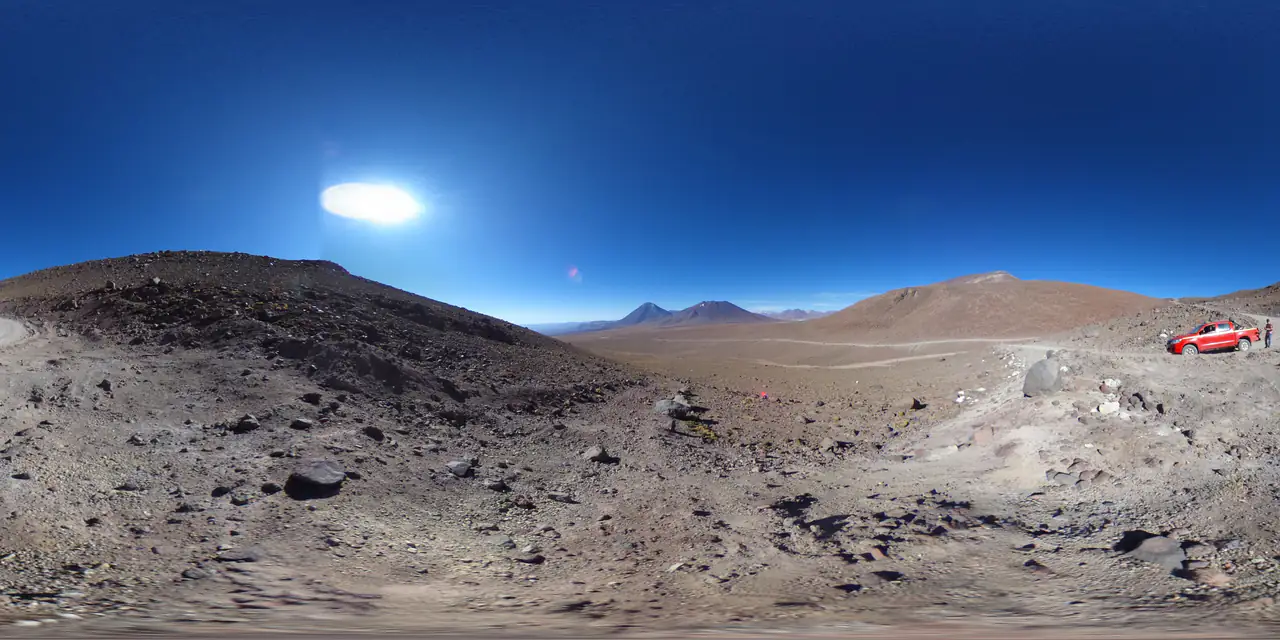
Panorama Checker
Check aspect ratio, seam, resolution and clipping before you ship.
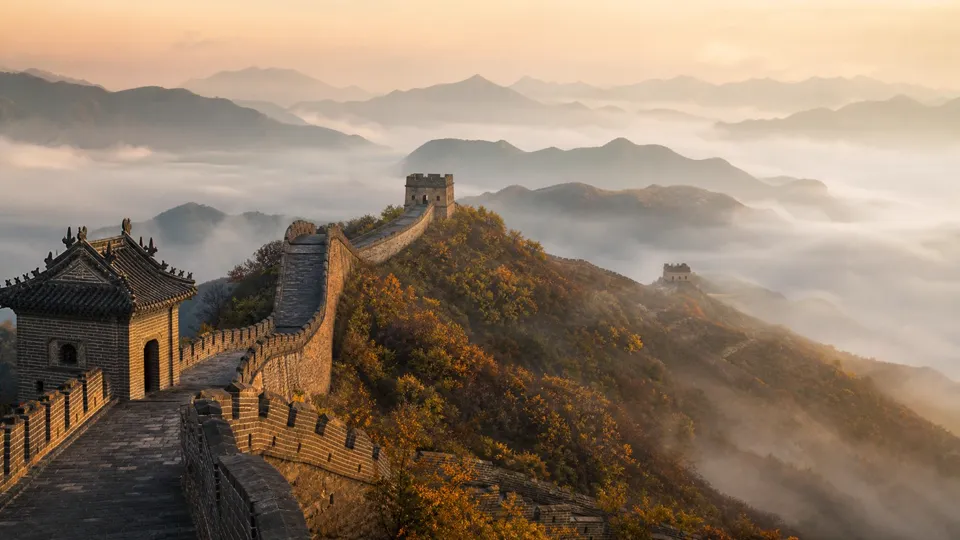
one photo
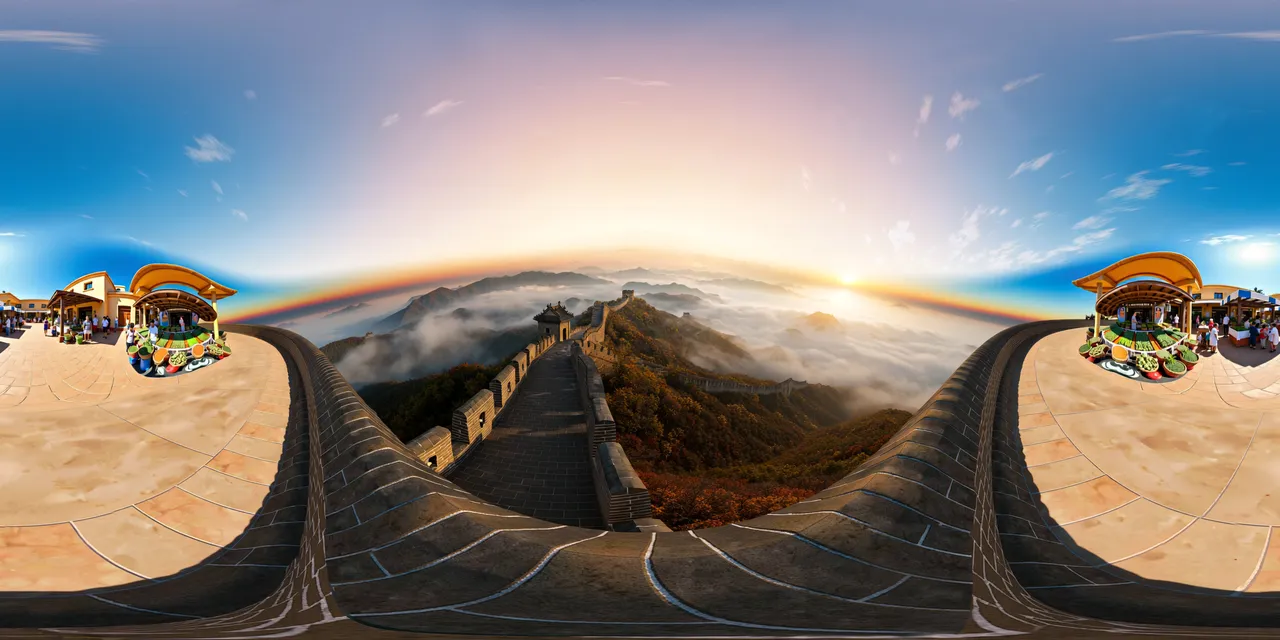 360° environment
Image to HDRI
Encode a 360° image as a Radiance .hdr with adjustable exposure.
Further reading
All guidesAI skybox generator: from a prompt to engine-ready faces
Generate a 360° skybox from a text prompt or an image, check the seam, and export six cubemap faces for Unity, Unreal, Blender or Three.js. The source is a 2:1 equirectangular panorama.
Read the guidePanorama to cubemap for Unity, Unreal and Three.js
Turn a 2:1 panorama into six cube-map faces for Unity, Unreal or Three.js. Face order, face size, import settings and the mistakes that flip a skybox.
Read the guideThree.js 360° panorama viewer: equirectangular vs cubemap
Build a Three.js 360° viewer with an equirectangular texture or six cube-map faces. Code for both, color-space settings and mobile performance.
Read the guideGenerate a 2:1 panorama, then bring it back here.
PanoCraft turns a prompt or a photo into a 360° panorama. This tool takes it the last mile into your engine, viewer or lighting setup.
Files are decoded and processed in your browser memory. Nothing is uploaded, logged or stored on a server. Refreshing the page discards every file and result.