
Turn a panorama into a rotating 360° video
Load one equirectangular image, set the turn time, direction and resolution, then record a loopable flat video for a website hero, reel or presentation. Everything renders locally in your browser.
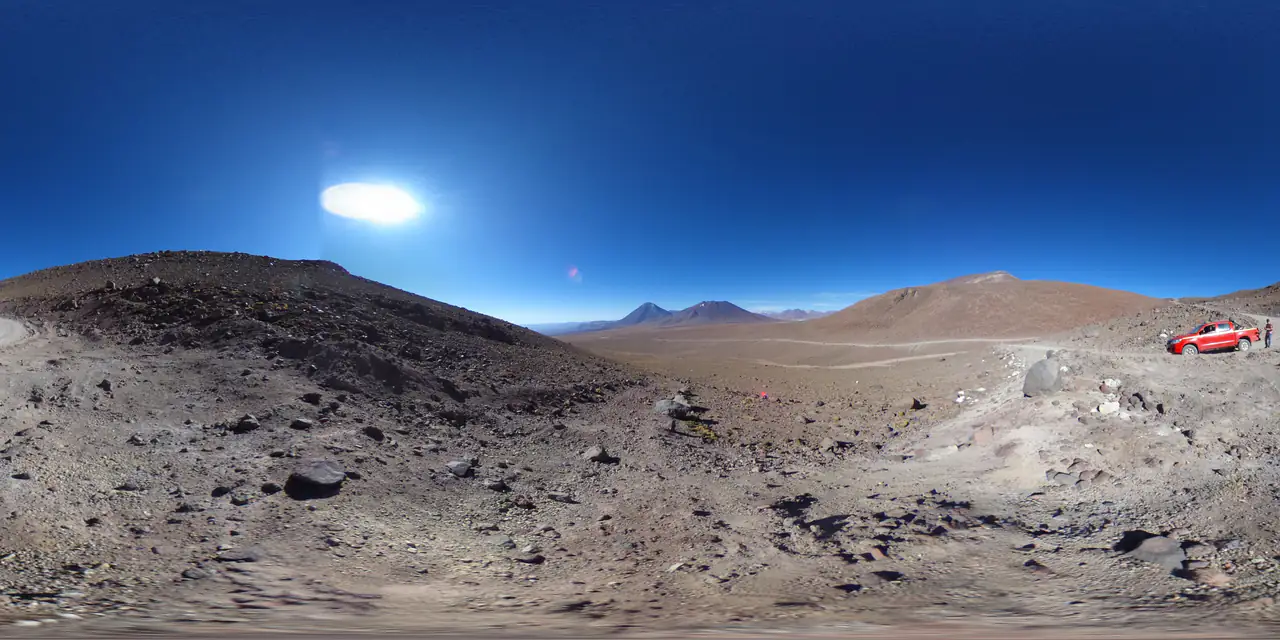
Record a rotation
JPG, PNG or WebP · up to 40.0 MB · rendered and recorded locally
Drop a panorama to preview the rotation here.
Recording happens in real time. This browser cannot record video; try Chrome, Edge, Firefox or Safari 17+.
Drop a 2:1 panorama
JPG, PNG or WebP up to 40 MB. The image is mapped to the inside of a sphere and rendered with WebGL.
Pick the turn
Choose 6, 10 or 16 seconds per revolution, clockwise or counter-clockwise, at 720p or 1080p. The preview loops the exact camera move.
Record and download
MediaRecorder captures the canvas in real time. Chromium and Firefox typically write WebM; Safari can write H.264 MP4. Keep the tab visible while it records.
Specifications
- Input
- 2:1 JPG / PNG / WebP, up to 40 MB
- Output
- MP4 (H.264) where supported, otherwise WebM
- Resolution
- 1280 × 720 or 1920 × 1080, 30 fps
- Motion
- One 360° turn in 6, 10 or 16 seconds
- Container
- Chosen by MediaRecorder in your browser
- Processing
- WebGL preview + canvas capture, entirely local
What people use it for
Website hero background
A silent, loopable clip that shows the whole environment without asking visitors to drag. WebM is smaller; MP4 covers Safari and older players.
Social and presentations
A flat 16:9 video drops into reels, slide decks and product pages where an interactive viewer is not an option.
Product previews
Show a generated scene rotating behind copy, then link to the interactive 360° viewer for the full look-around.
Skybox turntables
Check how a generated sky reads from every yaw before splitting it into cubemap faces or lighting a scene.
How this tool works
- The camera turns exactly 360° over the clip; changing the turn time changes duration, not frame rate.
- Video is recorded at 30 fps in real time; slower devices may drop frames rather than extend the clip.
- The exported file is a flat 16:9 video, not an equirectangular 360 video with spatial metadata.
Questions, answered plainly
If something here does not match what you see in your engine, the technical notes above are the exact behaviour of this tool.
Is the exported video a real 360° video?
No. It is a flat perspective recording of the panorama rotating inside a sphere. A true 360 video needs equirectangular frames plus spatial metadata, which is a different pipeline.
Why does recording take the same time as the clip?
The browser captures the canvas as it renders, so a 10-second clip takes about 10 seconds. Keep the tab visible; background throttling can drop frames.
Will I get MP4 or WebM?
The tool asks MediaRecorder which container it can encode and shows the chosen format above the record button. Chromium-based browsers usually produce WebM; Safari can produce H.264 MP4.
Does it loop seamlessly?
Yes. Each recording is exactly one 360° turn. Trim nothing and the first and last frame meet at the same yaw.
What if my image is not 2:1?
It still renders, but the sphere stretches the image. Run the Panorama Checker first if you are unsure.
Does it upload anything?
No. Decoding, WebGL rendering and recording all happen in the tab; the canvas stream has no audio track.
Related tools
All tools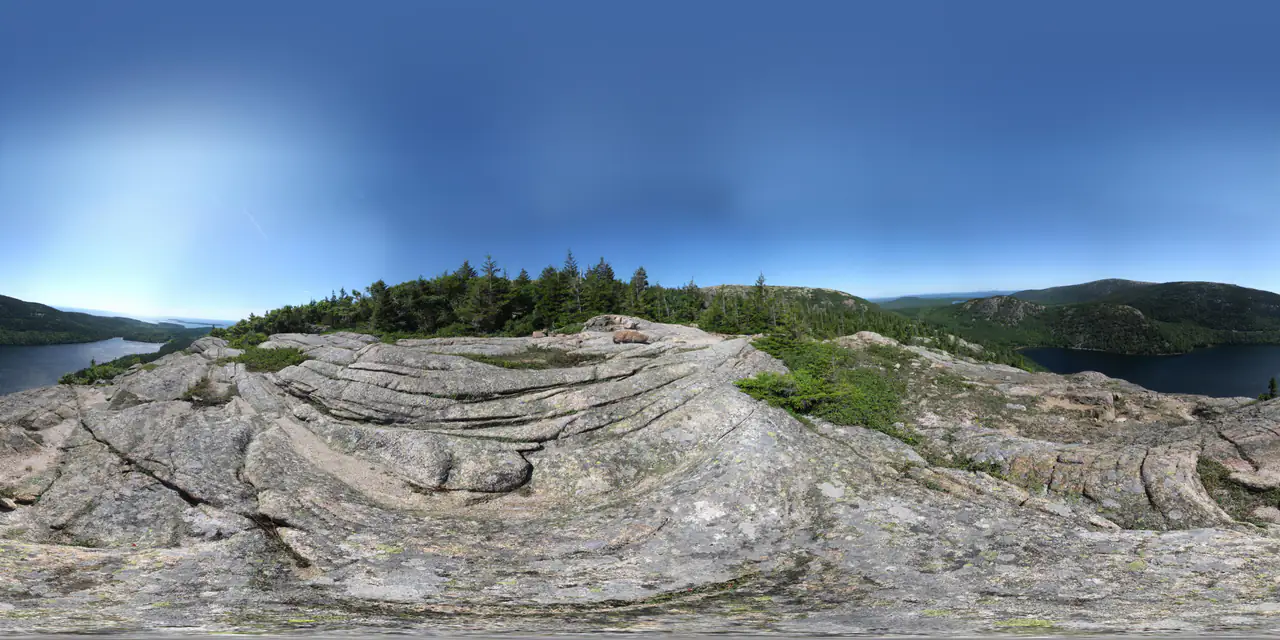
360 Panorama Viewer
Open a 2:1 image as an interactive sphere — local, no upload.
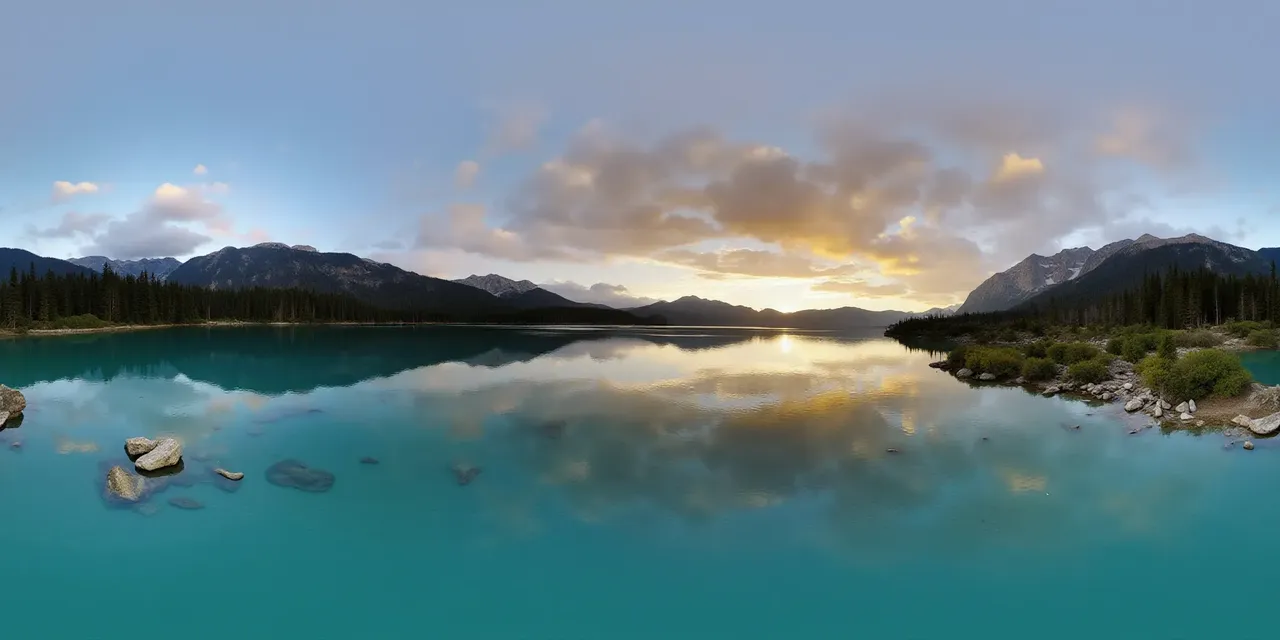 2:1 · equirect
one panorama
 px
 nx
 py
 ny
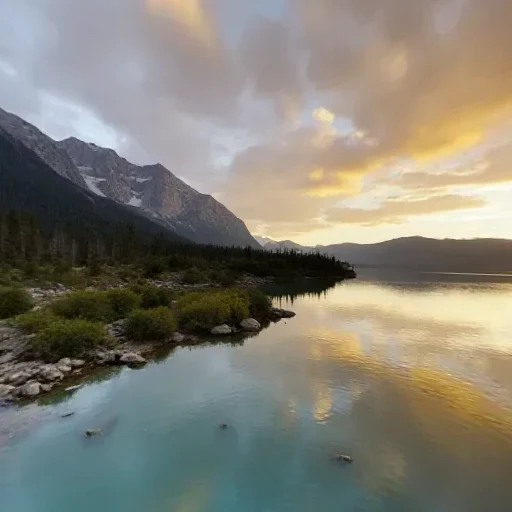 pz
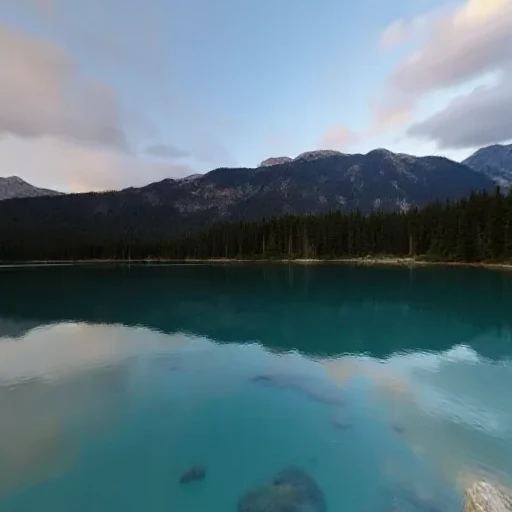 nz
six square faces · px nx py ny pz nz
Panorama to Cubemap
Split a 2:1 360° image into six square skybox faces.
Panorama Checker
Check aspect ratio, seam, resolution and clipping before you ship.
Further reading
All guidesWhat can you do with a 360° panorama?
A 360° panorama can be a game skybox, a virtual tour, an HDRI light source or an immersive preview. Six real uses, and the format each one needs.
Read the guideThree.js 360° panorama viewer: equirectangular vs cubemap
Build a Three.js 360° viewer with an equirectangular texture or six cube-map faces. Code for both, color-space settings and mobile performance.
Read the guidePanorama to cubemap for Unity, Unreal and Three.js
Turn a 2:1 panorama into six cube-map faces for Unity, Unreal or Three.js. Face order, face size, import settings and the mistakes that flip a skybox.
Read the guideGenerate a 2:1 panorama, then bring it back here.
PanoCraft turns a prompt or a photo into a 360° panorama. This tool takes it the last mile into your engine, viewer or lighting setup.
Files are decoded and processed in your browser memory. Nothing is uploaded, logged or stored on a server. Refreshing the page discards every file and result.