
Check a 360° panorama before you ship it
A generated or photographed panorama can look fine as a flat image and still fail as a skybox. This checker measures the things that actually break in a viewer: shape, resolution, seam and range.
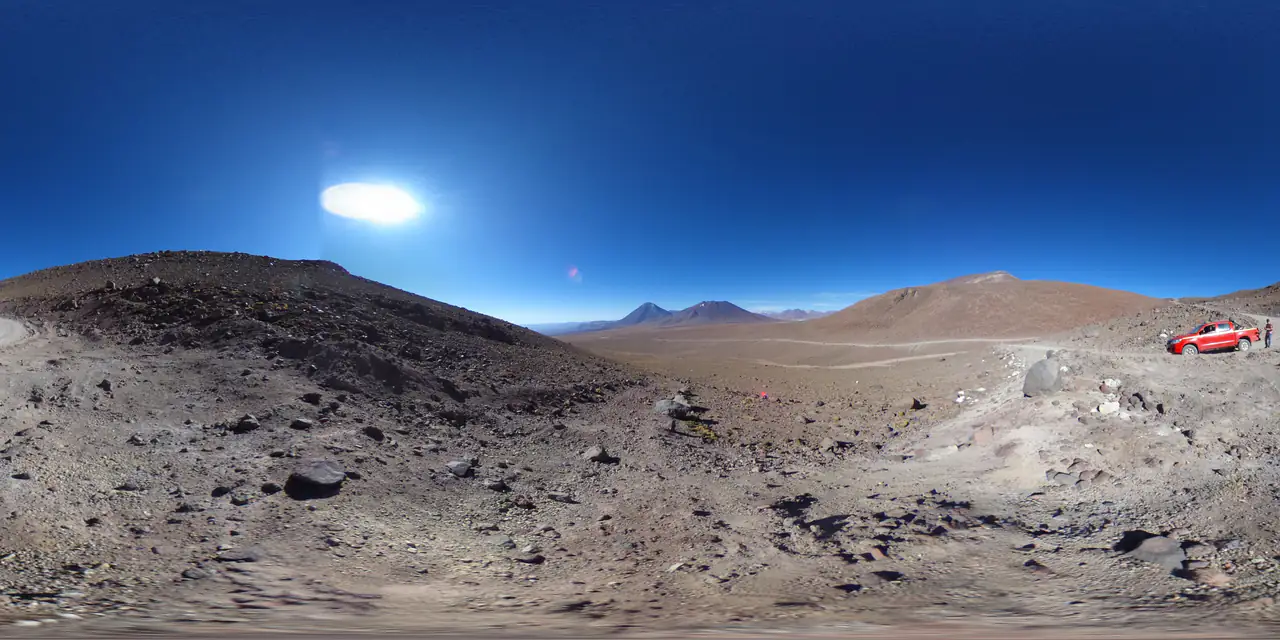
Check an image
JPG, PNG or WebP · analysis runs locally · no upload
- Shape: 2:1 within ±1%
- Resolution class from the width
- Seam: first vs last pixel column
- Clipping: all-channel ≤ 4 / ≥ 251
- Alpha: any pixel below 255
The checker reads decoded pixels, not EXIF metadata. A pass means the file works as a 2:1 panorama; it does not judge composition or artistic quality.
Drop a panorama
Any JPG, PNG or WebP. The checker reads the pixels locally and never uploads the file.
Read the report
You get a pass / warn / fail verdict with the aspect ratio, resolution class, seam score, clipping percentages and alpha check.
Fix what matters
Crop or regenerate a non-2:1 image, replace a hard seam or blown highlights, and re-run the check before importing.
Specifications
- Aspect
- 2:1 within ±1% (w / h)
- Resolution
- Below 2K, 2K, 4K or 8K based on width
- Seam
- Mean absolute RGB difference between the first and last pixel columns
- Clipping
- All-channel ≤ 4 (shadows) and ≥ 251 (highlights)
- Alpha
- Flags any pixel below 255
- Privacy
- Local only; no upload, no storage
What people use it for
AI-generated panoramas
Generators often return a 2:1 image with a visible wrap seam or crushed blacks. Check before you turn it into a tour or a skybox.
Client deliverables
Attach the report to a delivery: resolution, seam score and clipping are concrete, reviewable numbers rather than a subjective “looks fine”.
Photography stitching
After stitching a 360° photo, the seam score is a quick sanity check that the left and right edges match.
Before upscaling or converting
If the source is below 2K or badly clipped, conversion to cubemap or HDRI will just preserve the problem. Diagnose it first.
How this tool works
- The seam metric compares only the outer columns; it does not detect seams a few pixels inside the image.
- Resolution classes use width alone: 2048 / 3840 / 7680 px.
- Alpha is flagged because most 360° viewers composite an opaque background.
Questions, answered plainly
If something here does not match what you see in your engine, the technical notes above are the exact behaviour of this tool.
Why does a 360° panorama need a 2:1 aspect ratio?
Equirectangular projection maps longitude to the full 360° horizontally and latitude to 180° vertically. Equal angular scale on both axes means the width must be twice the height.
How is the seam score calculated?
The checker compares the first and last pixel columns, which become adjacent when the image wraps around a sphere. The mean absolute RGB difference is reported as MAE and turned into a 0–100 score: 0 MAE scores 100, and the score drops by 2.5 points per MAE unit.
What is a good seam score?
Anything above 85 (MAE under 6) is continuous. 55–85 means a slight seam that may show on a bright screen. Below 55 is a visible seam and usually needs a retouch or regeneration.
Does the checker detect HDR or EXR files?
No. Browsers cannot decode Radiance or EXR images reliably, so the checker works on 8-bit JPG, PNG and WebP. It reports the clipping it can see in those files, not the dynamic range of an HDR source.
Why does a visually fine panorama fail?
The usual causes are a non-2:1 crop, a hard wrap seam, or large fully black / fully white areas. The report names the metric that failed so you can fix the source instead of guessing.
Is the image uploaded?
No. The analysis runs on the decoded pixels in your browser. Refreshing the page discards everything.
Related tools
All tools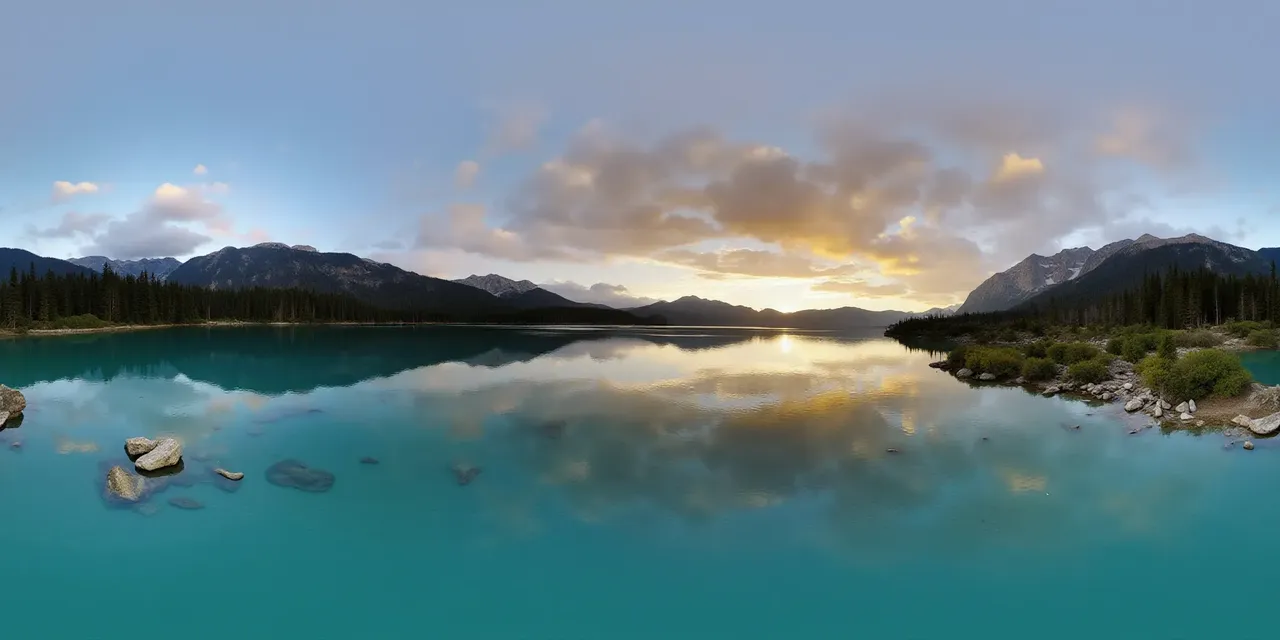 2:1 · equirect
one panorama
 px
 nx
 py
 ny
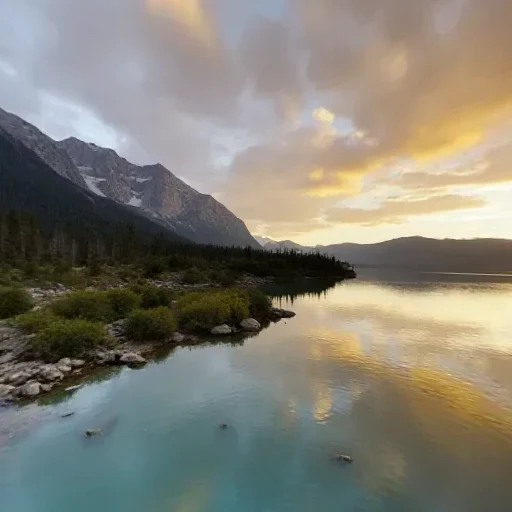 pz
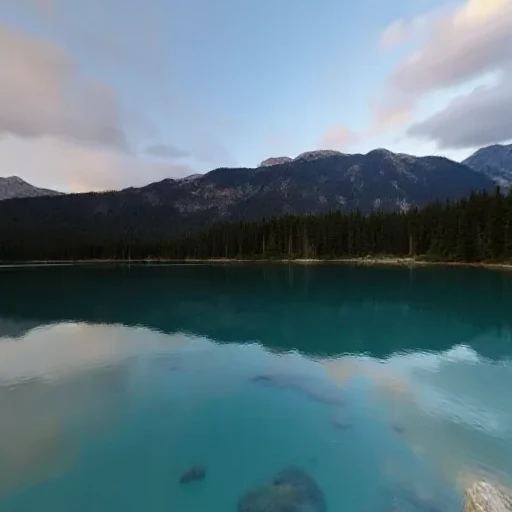 nz
six square faces · px nx py ny pz nz
Panorama to Cubemap
Split a 2:1 360° image into six square skybox faces.
one photo
 360° environment
Image to HDRI
Encode a 360° image as a Radiance .hdr with adjustable exposure.
six faces, any order
2:1 · seamlessseam matched at both edges
Cubemap to Panorama
Stitch six skybox faces into one 2:1 equirectangular image.
Further reading
All guidesHow to check a 360° panorama before you ship it
A practical 360° panorama checklist: 2:1 aspect ratio, resolution class, seam continuity and clipping. What each number means and when to regenerate.
Read the guideAI skybox generator: from a prompt to engine-ready faces
Generate a 360° skybox from a text prompt or an image, check the seam, and export six cubemap faces for Unity, Unreal, Blender or Three.js. The source is a 2:1 equirectangular panorama.
Read the guidePanorama to cubemap for Unity, Unreal and Three.js
Turn a 2:1 panorama into six cube-map faces for Unity, Unreal or Three.js. Face order, face size, import settings and the mistakes that flip a skybox.
Read the guideGenerate a 2:1 panorama, then bring it back here.
PanoCraft turns a prompt or a photo into a 360° panorama. This tool takes it the last mile into your engine, viewer or lighting setup.
Files are decoded and processed in your browser memory. Nothing is uploaded, logged or stored on a server. Refreshing the page discards every file and result.