
Open a 360° image and look around
Drop a 2:1 panorama and step inside it. Drag to pan, scroll or pinch to zoom, and go fullscreen — the image is decoded locally, so nothing leaves your browser.
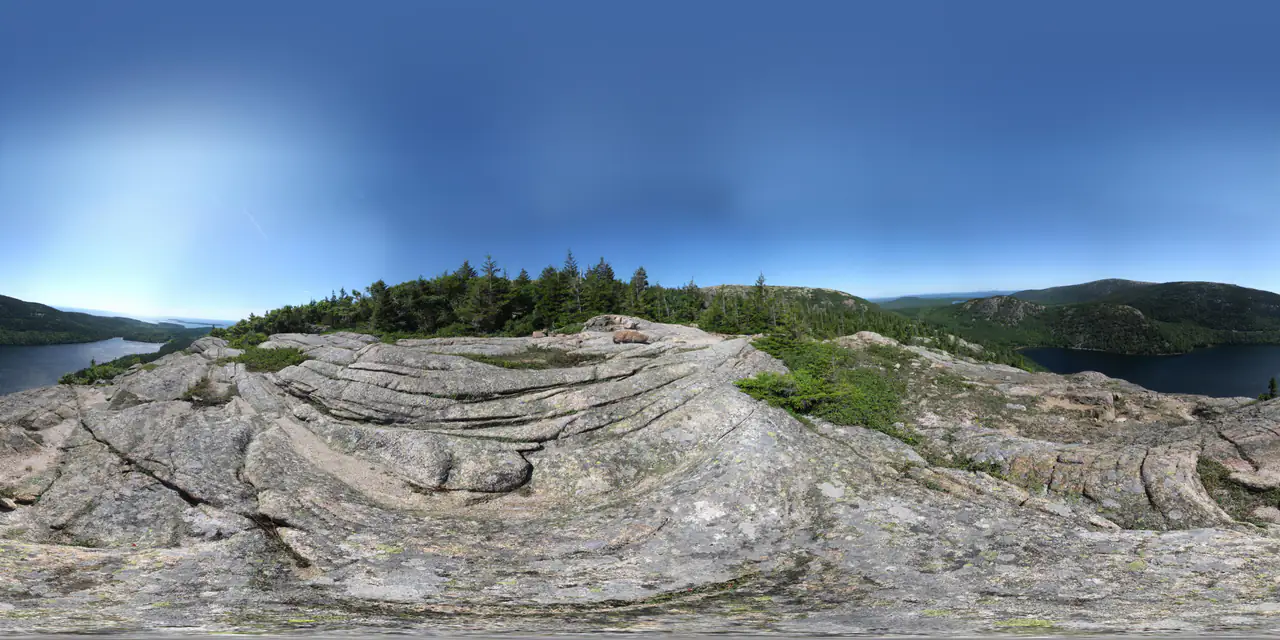
Open a panorama
JPG, PNG or WebP · up to 40.0 MB · decoded in this tab
Drop a panorama
A 2:1 equirectangular JPG, PNG or WebP. The viewer warns when the aspect ratio is not 2:1 but still opens the image.
Look around
Drag with a mouse or one finger to pan; scroll or pinch to change the field of view. The horizon starts level.
Inspect or go fullscreen
Use fullscreen for a clean review, or load another file without leaving the page. No upload, no account, no watermark.
Specifications
- Input
- 2:1 JPG / PNG / WebP, up to 40 MB
- Viewer
- WebGL sphere, drag to pan, wheel / pinch zoom
- Controls
- Auto-rotate, fullscreen, open another file
- Field of view
- 25°–95°
- Privacy
- File decoded in the tab; no network request
- Output
- None — this is a viewer, not a converter
What people use it for
Quick QA
Check a generated or stitched panorama for seams, stretched zenith and nadir, or a tilted horizon before publishing.
Client review
Open a client's file locally and share a screen. Nothing is handed to a third-party viewer or upload service.
Skybox preview
See how a panorama reads at 90° FOV before splitting it into cubemap faces for Unity, Unreal or Three.js.
Reference checks
Compare two panoramas in separate tabs at the same field of view, without installing a desktop viewer.
How this tool works
- The sphere is rendered with WebGL; a browser with WebGL disabled cannot show the viewer.
- The viewer does not modify or re-encode the file — what you see is the decoded source.
- Most GPUs cap textures at 8192 px wide, so a larger panorama may be downscaled by the browser.
Questions, answered plainly
If something here does not match what you see in your engine, the technical notes above are the exact behaviour of this tool.
Is my image uploaded?
No. The viewer creates a local object URL and renders it with WebGL; the file never leaves the tab.
Which formats can I open?
JPG, PNG and WebP up to 40 MB. Very large images are decoded by the browser and can use a lot of memory.
Can I open a normal photo or a cubemap?
The viewer expects an equirectangular image. A normal photo opens but wraps in a way that is not meaningful; stitch cubemap faces into a panorama first.
Is there a VR headset mode?
Not in this tool. It is a desktop and touch viewer; for headsets, use a WebXR player with the same 2:1 file.
Can I share the view?
This viewer is local by design, so there is no share link. Publish a panorama or tour in PanoCraft to get one.
Why does the image look soft when zoomed in?
The viewer shows the image at the resolution you loaded. A 2048 px panorama looks soft on a 4K screen when zoomed in; use a larger source.
Related tools
All tools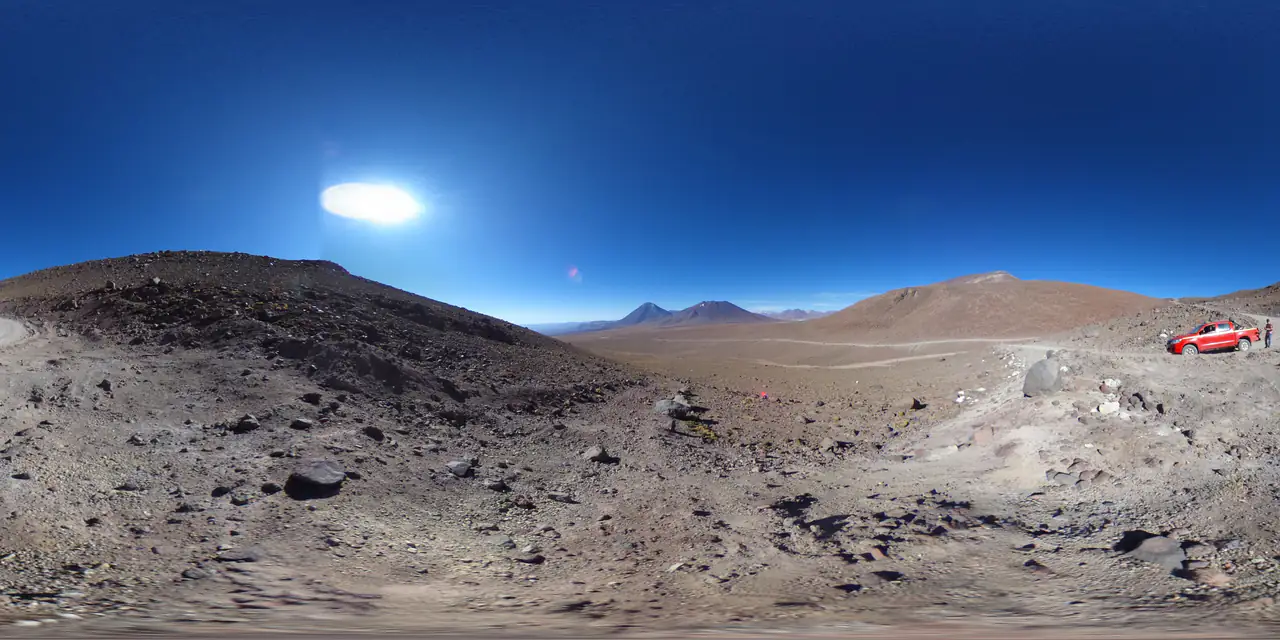
Panorama Checker
Check aspect ratio, seam, resolution and clipping before you ship.
360 Video Maker
Turn one panorama into a seamless 360° rotation video.
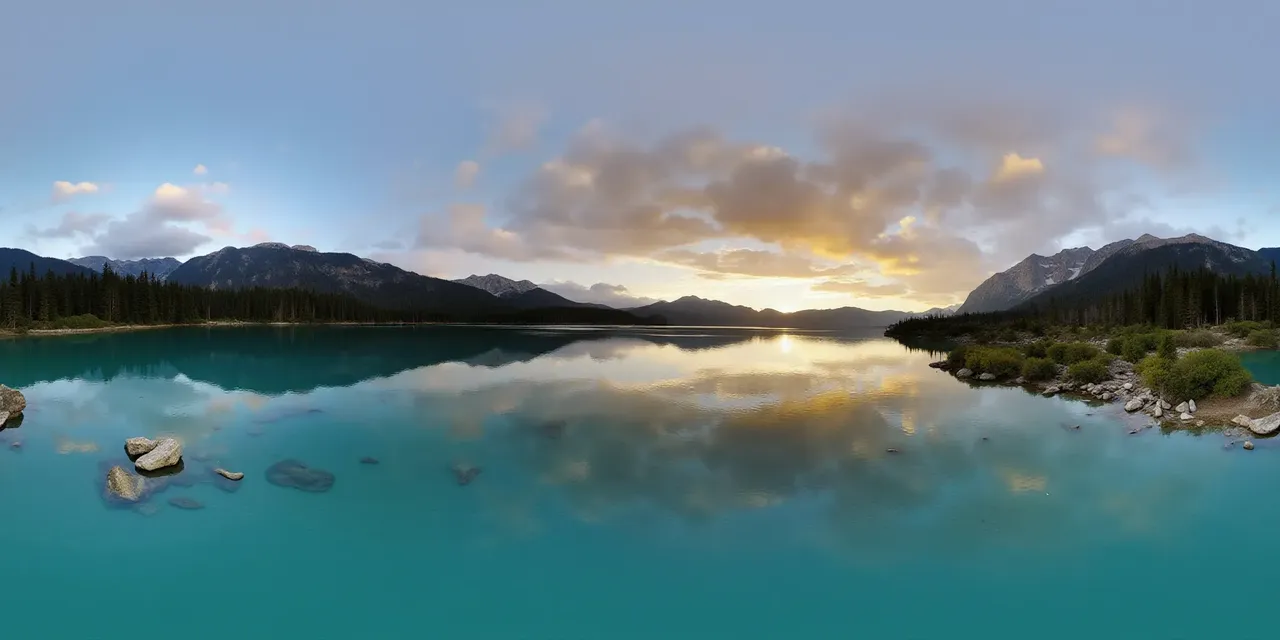 2:1 image
map · texture · pano
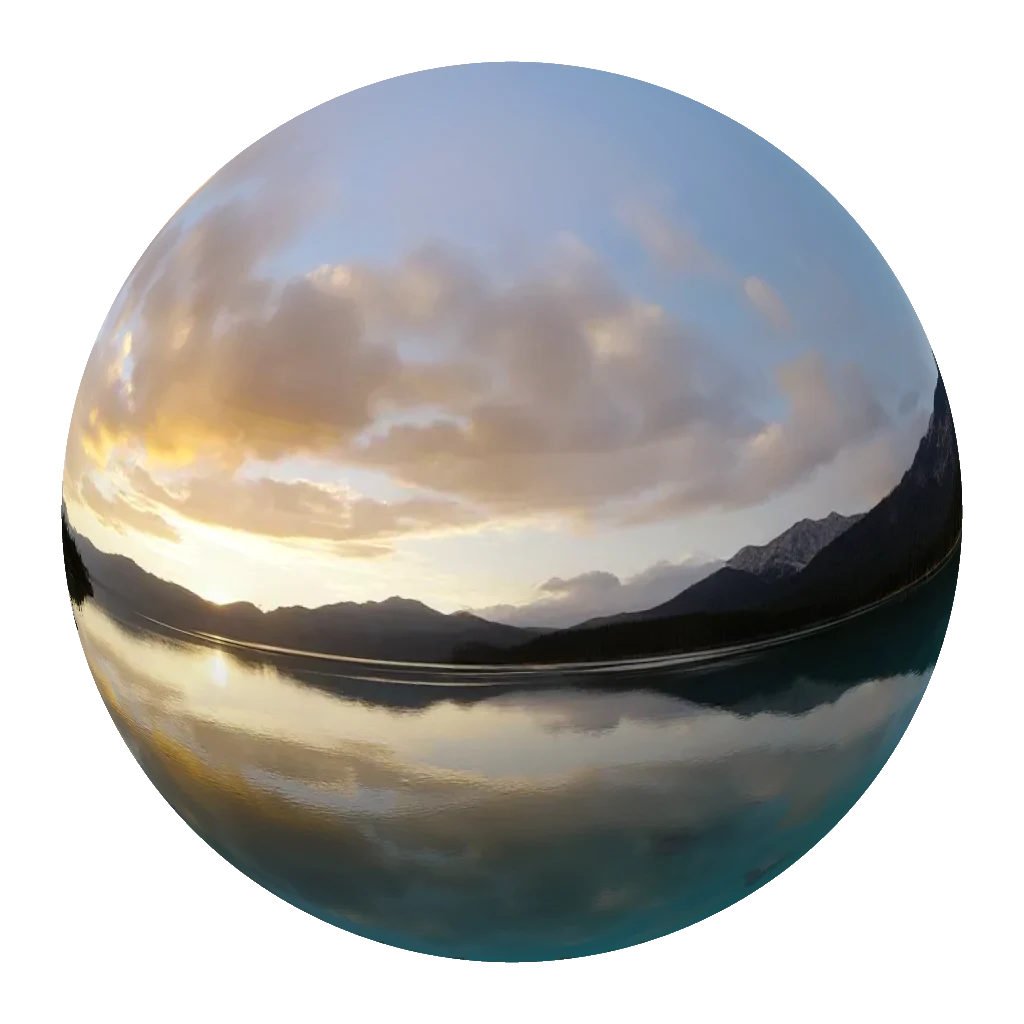 PNG
drag to rotate
Globe Maker
Wrap a map, texture or panorama around a 3D globe and export a PNG.
Further reading
All guidesThree.js 360° panorama viewer: equirectangular vs cubemap
Build a Three.js 360° viewer with an equirectangular texture or six cube-map faces. Code for both, color-space settings and mobile performance.
Read the guideWhat can you do with a 360° panorama?
A 360° panorama can be a game skybox, a virtual tour, an HDRI light source or an immersive preview. Six real uses, and the format each one needs.
Read the guideHow to check a 360° panorama before you ship it
A practical 360° panorama checklist: 2:1 aspect ratio, resolution class, seam continuity and clipping. What each number means and when to regenerate.
Read the guideGenerate a 2:1 panorama, then bring it back here.
PanoCraft turns a prompt or a photo into a 360° panorama. This tool takes it the last mile into your engine, viewer or lighting setup.
Files are decoded and processed in your browser memory. Nothing is uploaded, logged or stored on a server. Refreshing the page discards every file and result.