
Six cubemap faces in, one panorama out
Load the six faces of a skybox and get a 2:1 equirectangular image that works in any 360° viewer. Everything is computed locally in the browser.
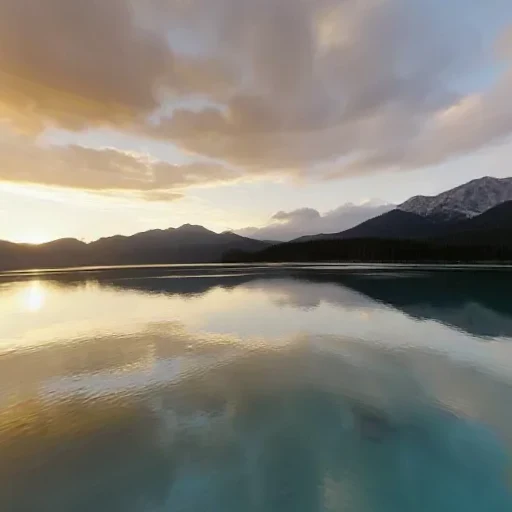 PX · right
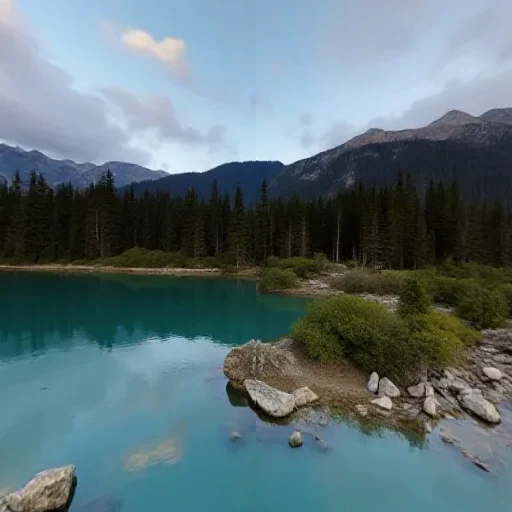 NX · left
 PY · up
 NY · down
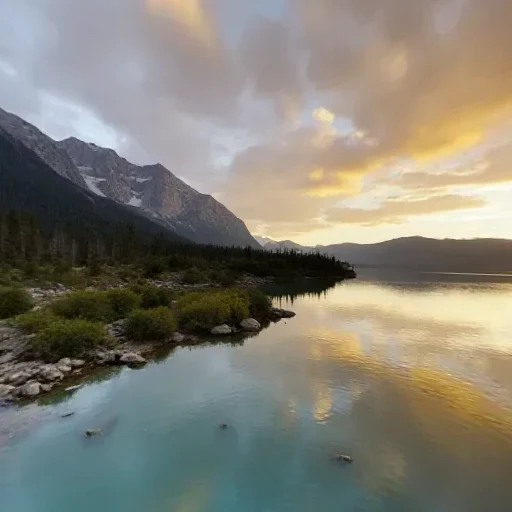 PZ · front
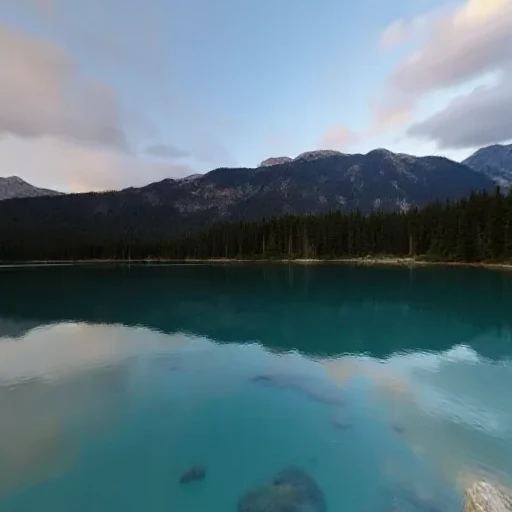 NZ · back
six faces, any order
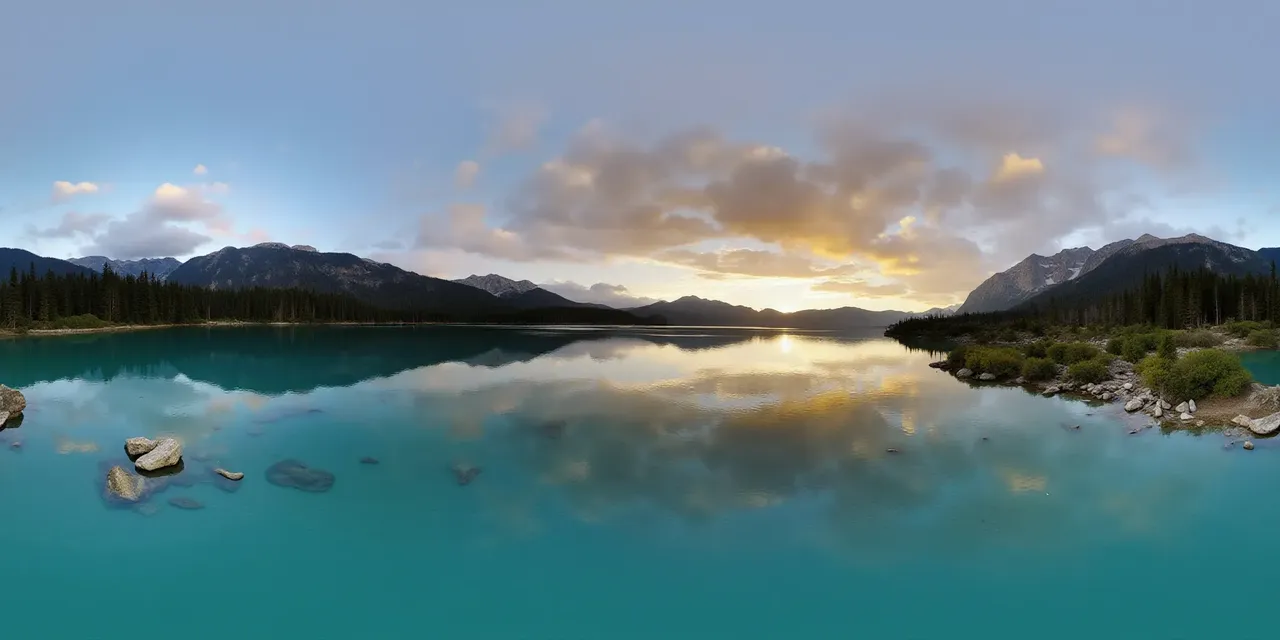 2:1 · seamless
seam matched at both edges
Stitch six faces
Square JPG, PNG or WebP · 0 of 6 loaded
Order: px (+X right), nx (−X left), py (+Y up), ny (−Y down), pz (+Z front), nz (−Z back). Each face is a 90° view, so it must be square.
Add six square faces to enable conversion.
Need the reverse? Split a panorama into six faces.
Panorama to CubemapAdd the six faces
Drop one image per face: px (+X), nx (−X), py (+Y), ny (−Y), pz (+Z), nz (−Z). Each face must be square.
Choose the output size
2048 × 1024 for quick previews, 4096 × 2048 for 4K viewers and most VR headsets.
Download the panorama
Export PNG for lossless edges or JPEG for a smaller file, then open it in a 360° viewer or import it into PanoCraft.
Specifications
- Input
- Six square JPG / PNG / WebP images
- Output
- 2:1 equirectangular PNG or JPEG
- Output sizes
- 2048 × 1024 or 4096 × 2048
- Face order
- px (+X), nx (−X), py (+Y), ny (−Y), pz (+Z), nz (−Z)
- Projection
- OpenGL / WebGL cubemap convention
- Large faces
- Downscaled to fit the browser canvas budget
What people use it for
Inspect a skybox
Turn an existing cubemap into a panorama to see the whole environment in one image, which is far easier to review than six separate faces.
Move between tools
Some viewers and image editors only accept equirectangular input. Stitching the faces gives you a portable 2:1 image.
Prepare a PanoCraft viewer
Convert an engine-ready cubemap into a 2:1 panorama and open it in the PanoCraft 360° viewer or use it as a starting point for a world.
Archive a skybox
Keep one 2:1 image instead of six loose files; convert back to faces whenever a project needs them.
How this tool works
- Face sampling clamps at the edges; panorama sampling wraps at u = 0 and u = 1.
- The output is a fresh image; no metadata from the source faces is preserved.
- Use PNG when the face edges must stay lossless; JPEG at high quality is smaller.
Questions, answered plainly
If something here does not match what you see in your engine, the technical notes above are the exact behaviour of this tool.
What order do the faces need to be in?
px (+X), nx (−X), py (+Y), ny (−Y), pz (+Z), nz (−Z). This matches the OpenGL cubemap convention. If your source uses the DirectX layout, the faces may need to be swapped; the tool labels each slot with its axis so you can check before converting.
Why must the faces be square?
A cubemap face is a 90° × 90° view with equal angular scale on both axes, so a non-square input would be stretched. The tool rejects non-square faces rather than silently distorting them.
My panorama looks upside down. What happened?
The up and down faces are probably swapped, or the source uses a different cubemap convention. Check the py/ny slots against the labels; py is +Y (up), ny is −Y (down).
Why are the poles a little soft?
Near the top and bottom of an equirectangular image, one pixel covers less surface area, so any cubemap resampling shows some softening. Use larger faces and 4K output to keep it minimal.
Can I export 8K?
Not yet. An 8192 × 4096 canvas exceeds what some browsers allow, so this tool caps output at 4096 × 2048. A worker-based tiled exporter is planned for a later release.
Are my faces uploaded?
No. The stitching and encoding happen in your browser. Files never leave the page.
Related tools
All tools2:1 · equirectone panorama
pxnxpynypznzsix square faces · px nx py ny pz nz
Panorama to Cubemap
Split a 2:1 360° image into six square skybox faces.
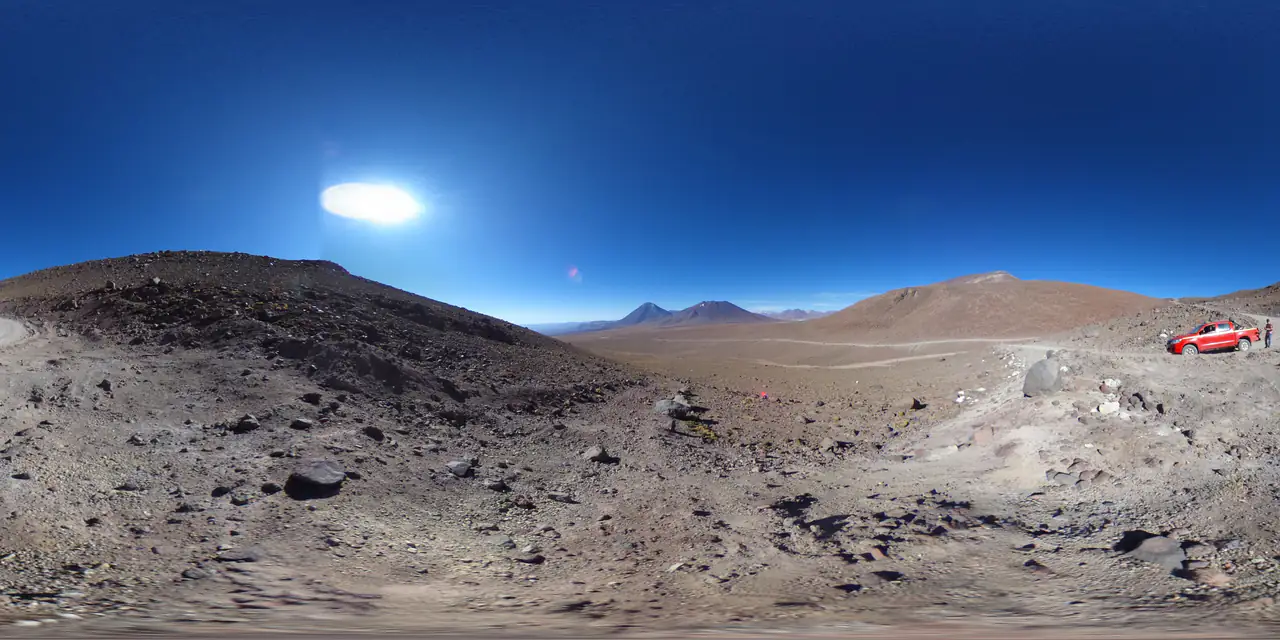
Panorama Checker
Check aspect ratio, seam, resolution and clipping before you ship.
one photo
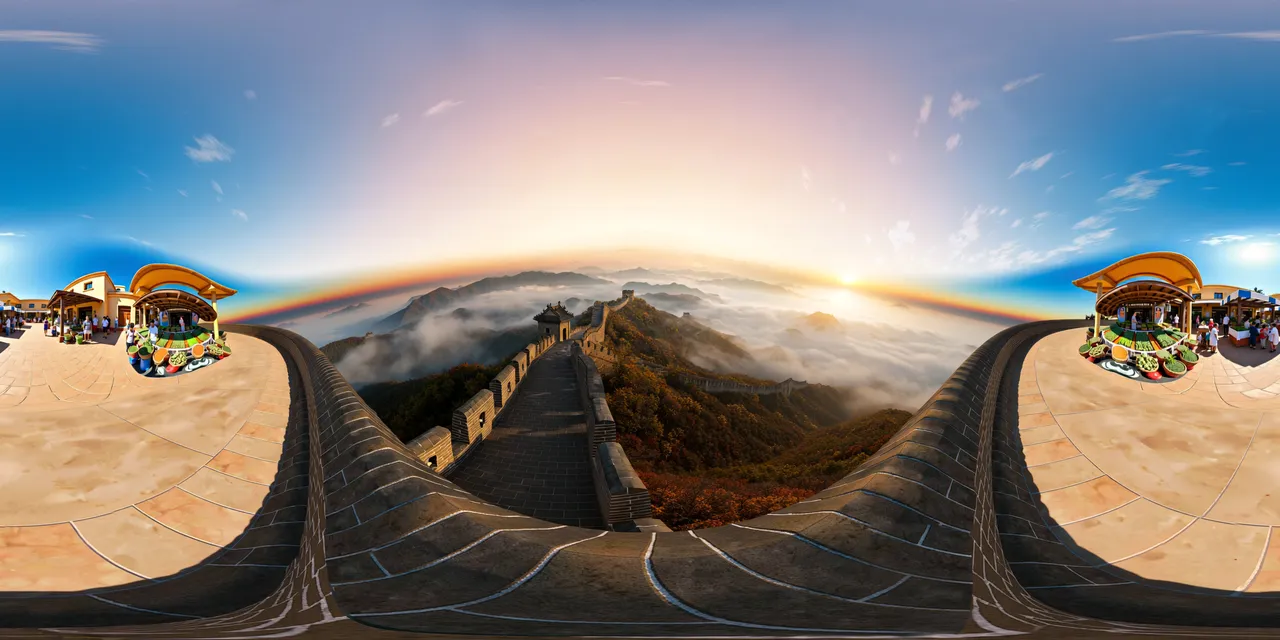 360° environment
Image to HDRI
Encode a 360° image as a Radiance .hdr with adjustable exposure.
Further reading
All guidesPanorama to cubemap for Unity, Unreal and Three.js
Turn a 2:1 panorama into six cube-map faces for Unity, Unreal or Three.js. Face order, face size, import settings and the mistakes that flip a skybox.
Read the guideThree.js 360° panorama viewer: equirectangular vs cubemap
Build a Three.js 360° viewer with an equirectangular texture or six cube-map faces. Code for both, color-space settings and mobile performance.
Read the guideWhat can you do with a 360° panorama?
A 360° panorama can be a game skybox, a virtual tour, an HDRI light source or an immersive preview. Six real uses, and the format each one needs.
Read the guideGenerate a 2:1 panorama, then bring it back here.
PanoCraft turns a prompt or a photo into a 360° panorama. This tool takes it the last mile into your engine, viewer or lighting setup.
Files are decoded and processed in your browser memory. Nothing is uploaded, logged or stored on a server. Refreshing the page discards every file and result.