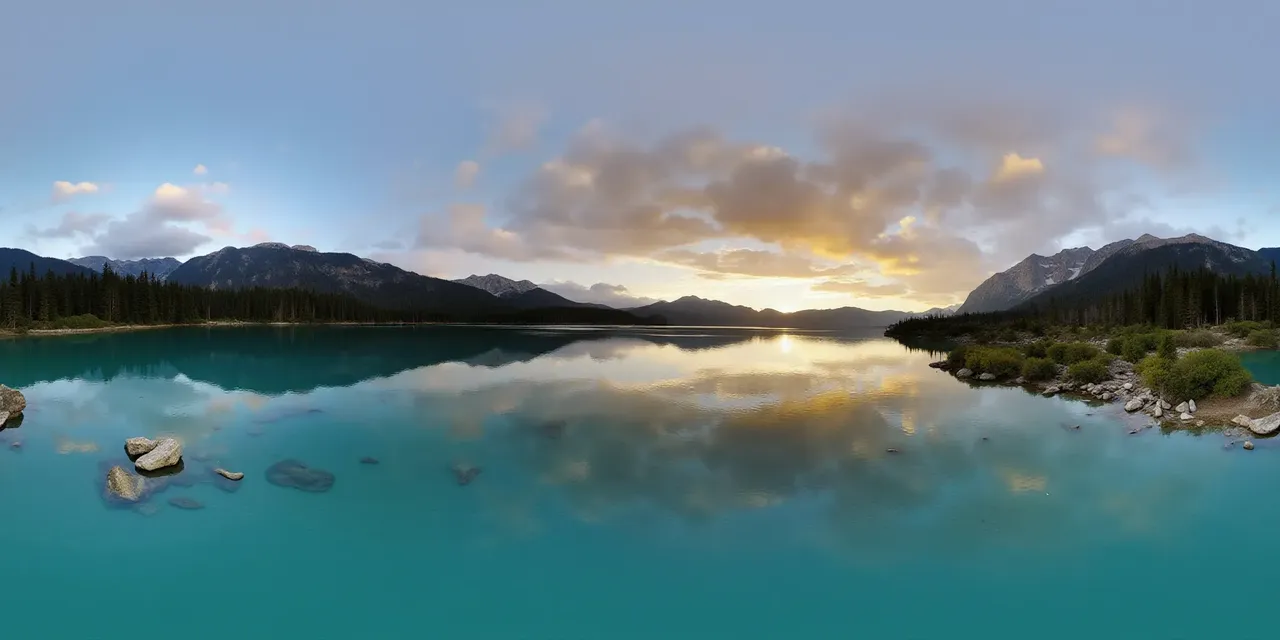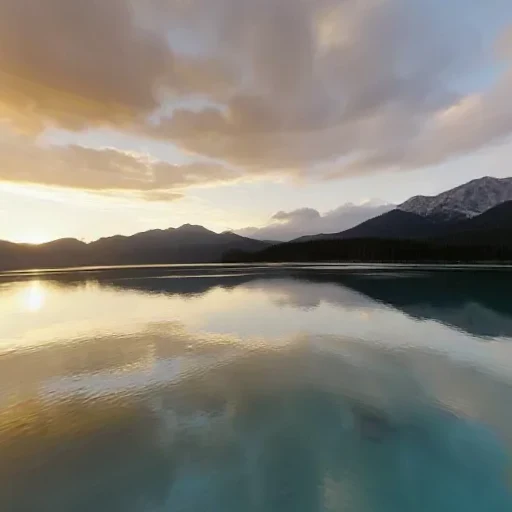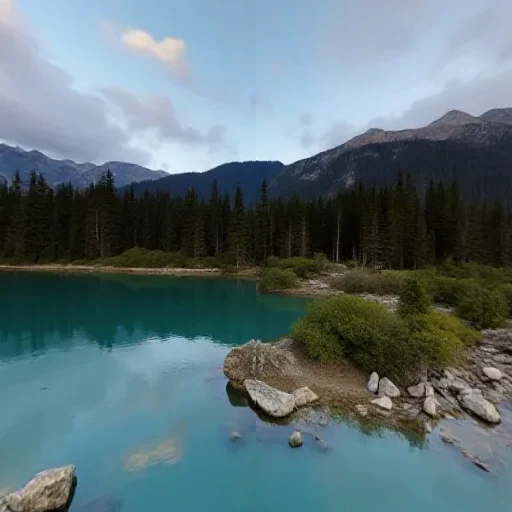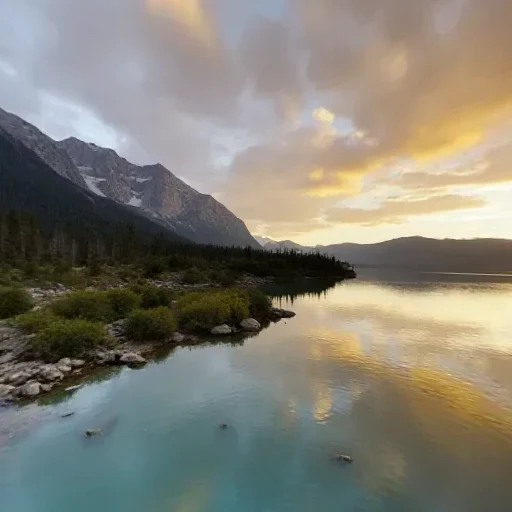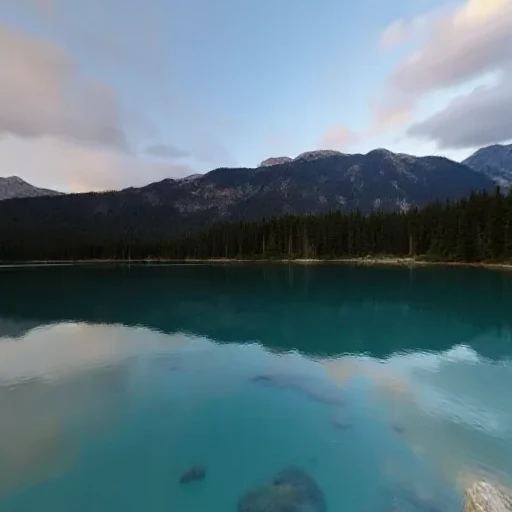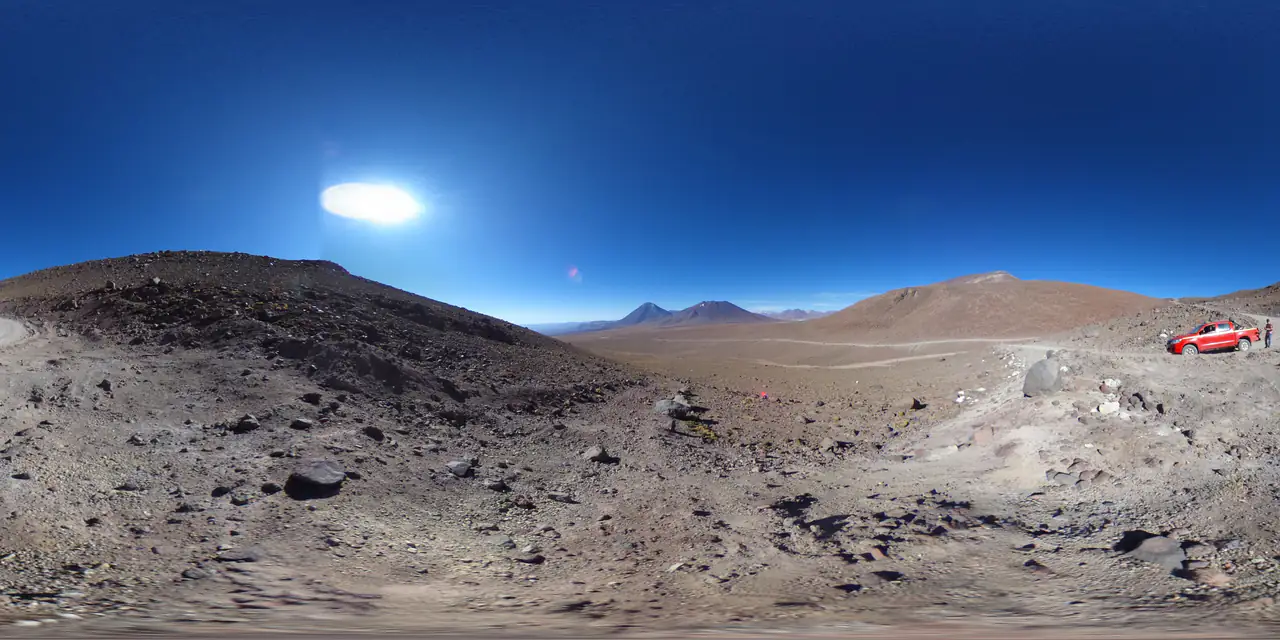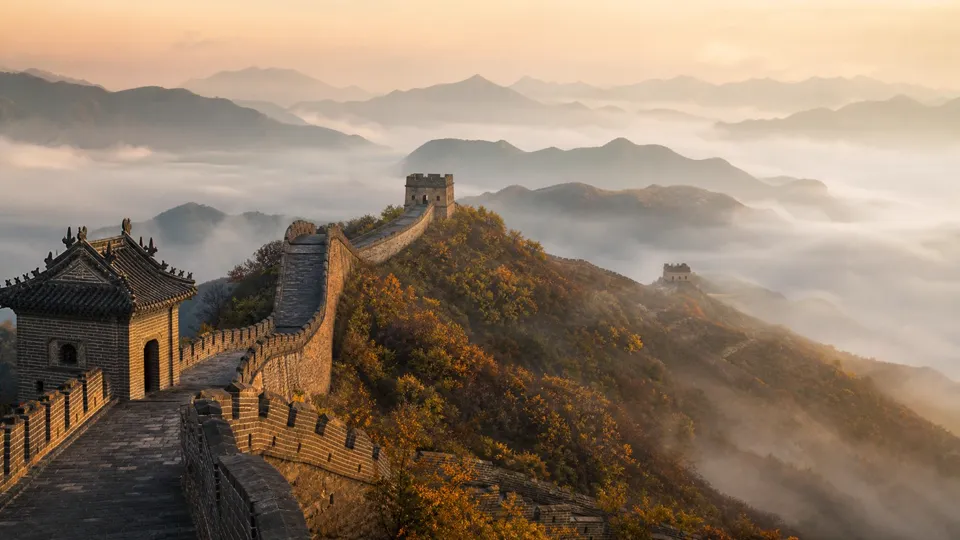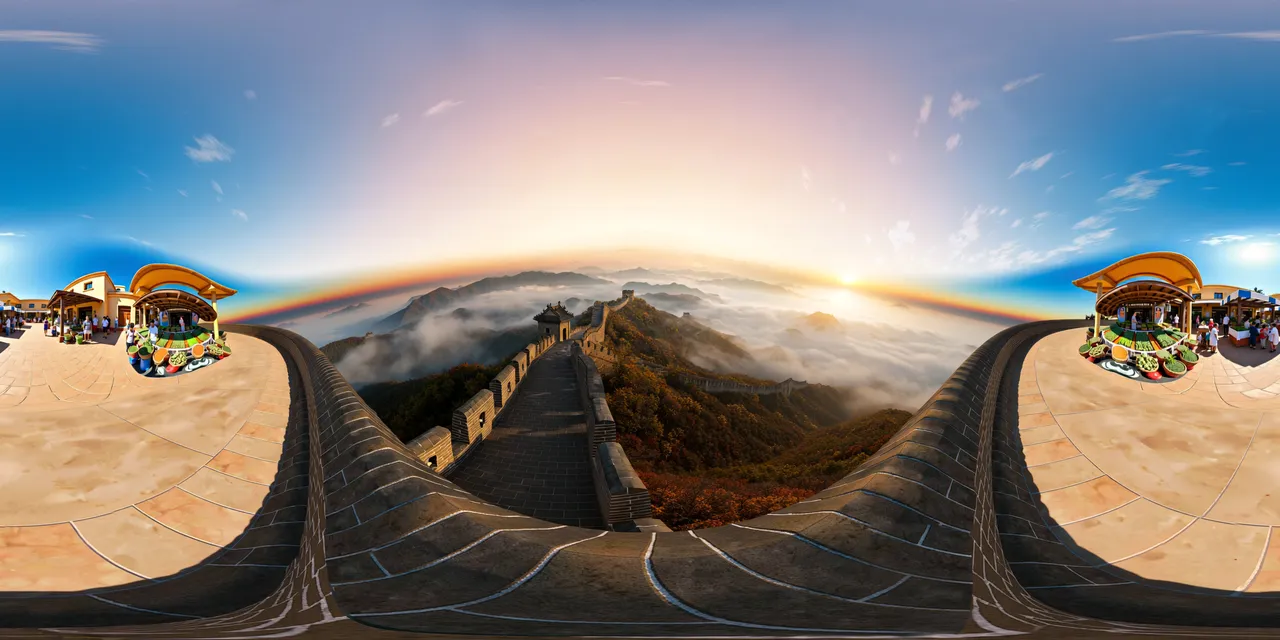
- The projection is what makes it a skybox: a 16:9 concept image is not a full sphere.
- Generate at 2K, then upscale to 4K or 8K only when the destination actually needs it.
- Check the seam before converting; a visible wrap line survives the cube-map conversion.
A skybox is not a backdrop behind the camera. It is the environment in every direction: behind, above, below and in front. That is why the source has to be a full sphere projected onto a 2:1 rectangle, not a wide landscape concept image with invented edges.
Step 1 — generate the full sphere
- 01
Describe the environment, not one view
Name the light direction, the horizon, the ground and the sky. “Sunset over a calm alpine lake, low sun behind the camera, distant peaks in every direction” gives the model a sphere to paint.
- 02
Generate at 2K
The base panorama is 2048 × 1024 and covers most real-time scenes. Check the composition before paying for more pixels.
- 03
Upscale only if the shot needs it
4K and 8K help a hero skybox or a close camera. A compressed 8K source does not add detail that the 2K generation never contained.
Step 2 — check the sphere before converting
A panorama can look convincing as a flat image and still fail as a skybox. Run it through the Panorama Checker first: the tool measures the 2:1 shape, compares the first and last pixel column for a wrap-around seam, and reports clipping and alpha.
- Shape must be 2:1 within a small tolerance; anything else stretches at the poles.
- The left and right edges must meet without a visible line — that edge becomes a cube-face seam.
- Crushed shadows and blown highlights survive conversion; fix them in the source first.
- Flatten alpha onto an opaque background before importing as an engine skybox.
Step 3 — make the six faces
- 01
Open the panorama-to-cubemap tool
If the panorama came from the generator, use “Use as a skybox” on the result: the image is passed straight into the converter without a download and re-upload.
- 02
Choose a face size
512 px for previews, 1024 px for most real-time scenes, 2048 px for a hero sky. All six faces use the same size.
- 03
Export the six PNGs
The faces are named px, nx, py, ny, pz, nz in OpenGL order and packed into one ZIP. Import them in that direction order, not alphabetically.
Step 4 — import into the engine
- Unity — a Skybox/6 Sided material; assign each PNG to its matching direction slot and keep sRGB on for color.
- Unreal Engine — import the faces as a TextureCube or use them in a sky sphere material; check the front/back pair if the horizon looks mirrored.
- Blender — use the six faces in a world environment or keep the 2:1 image on an environment texture node.
- Three.js — CubeTextureLoader in px/nx/py/ny/pz/nz order, or keep the equirect and use EquirectangularReflectionMapping.
When to keep the 2:1 image instead
Not every renderer needs a cube map. A sky sphere or an equirectangular environment slot can sample the 2:1 panorama directly, which keeps one texture instead of six. Convert to faces when the engine samples a native cube map, when the platform prefers six smaller textures, or when an asset pipeline expects PNG faces.
Questions this guide answers
Can AI generate a skybox?
Yes. Generate a 2:1 equirectangular panorama, then convert it to six cube faces. The model is painting a full sphere, so describe the whole environment rather than a single framed view.
What resolution should I generate for a skybox?
Start at 2K (2048 × 1024). Upscale to 4K or 8K only when the skybox fills a large part of the frame or the camera gets close to it. 1024 px cube faces are the usual real-time choice.
Will an AI skybox work in Unity and Unreal?
Yes, through the six PNG faces. Import them in px, nx, py, ny, pz, nz order and assign by direction. If a face looks mirrored, swap the matching pair in the material rather than re-exporting.
Is an AI-generated panorama seamless?
Usually the generator matches the wrap-around edge, but verify it. The Panorama Checker compares the first and last pixel columns and reports a seam score; a visible line becomes a cube-face seam.
Can I use the same skybox in VR?
Yes. A 2:1 equirectangular panorama is the standard VR environment format. The viewer and the six-face export describe the same sphere; pick the one your runtime samples.
Do I need an account to convert a panorama?
No. The conversion, the checker and the HDRI encoder run in the browser without an account or an upload. Generation and 3D worlds use credits.