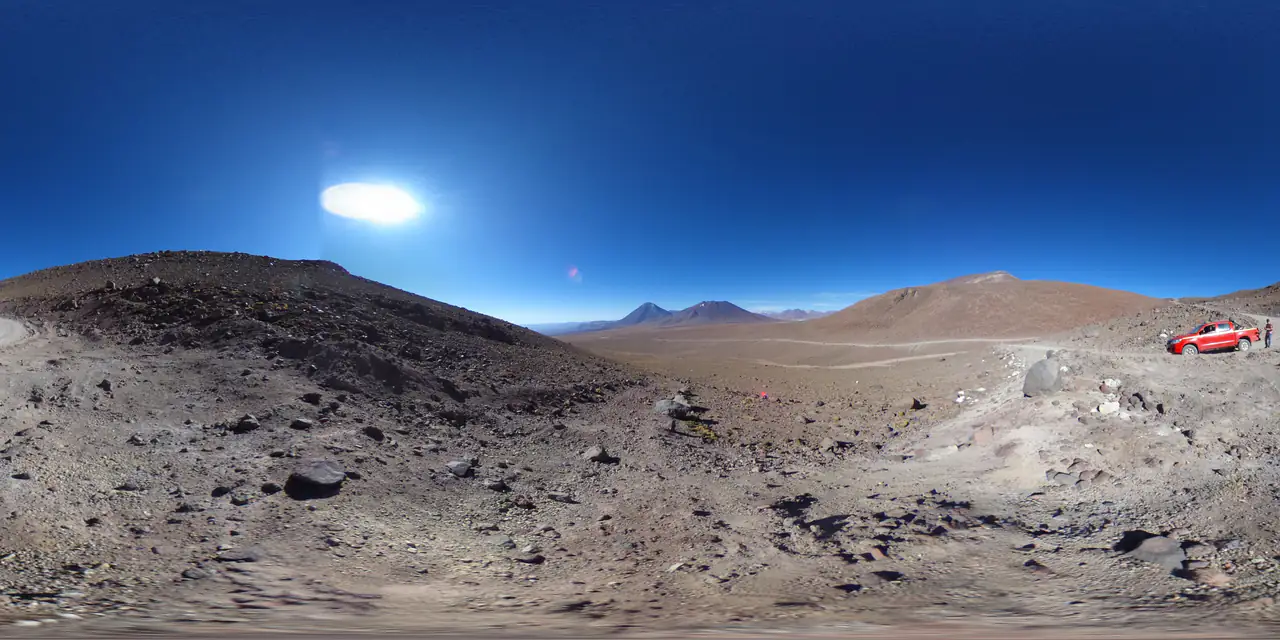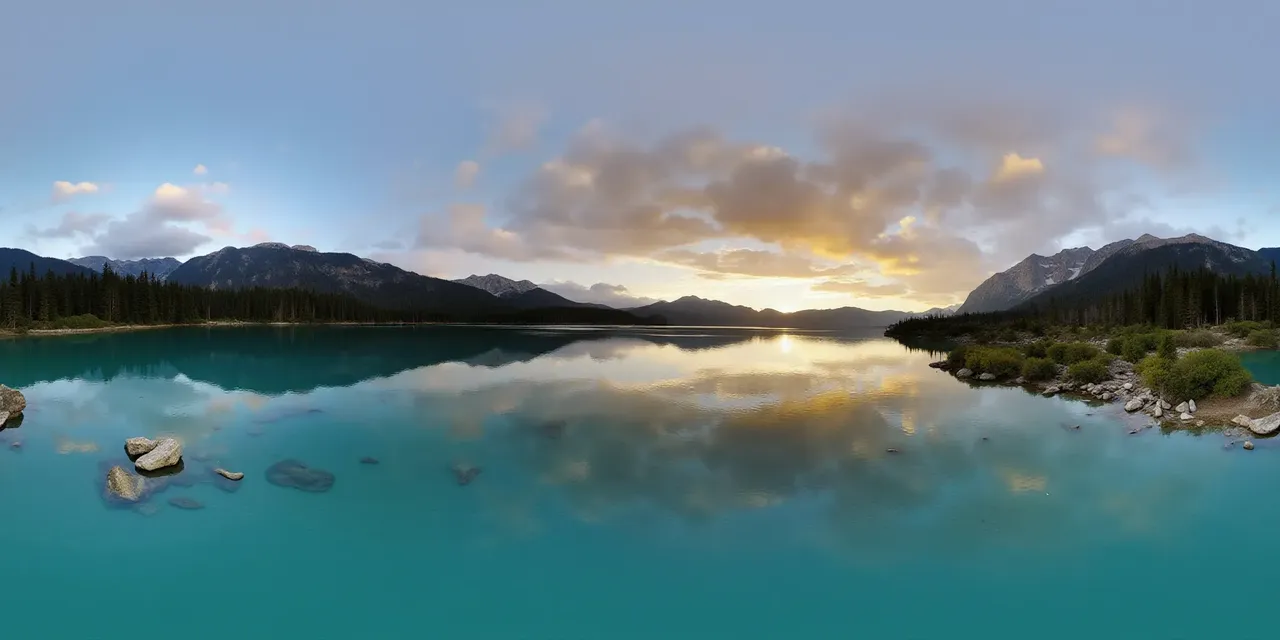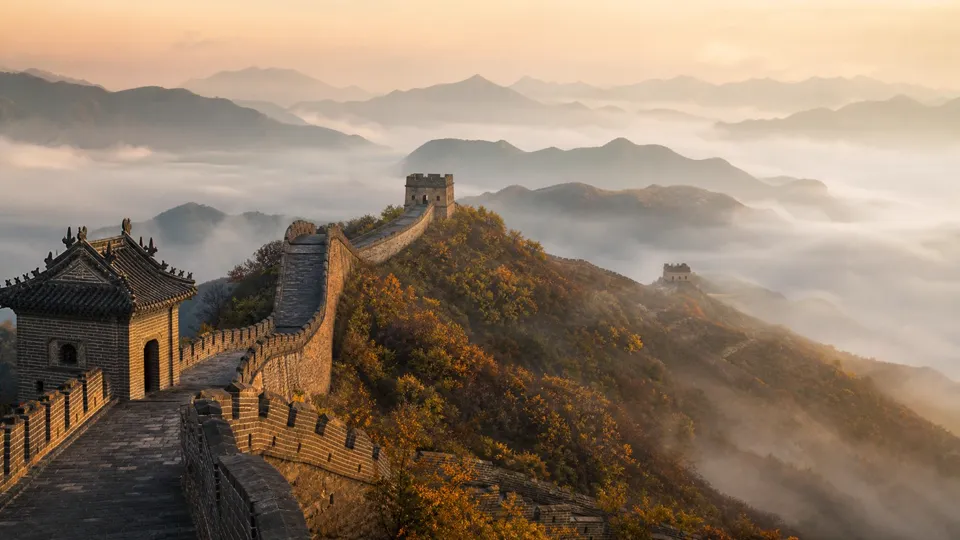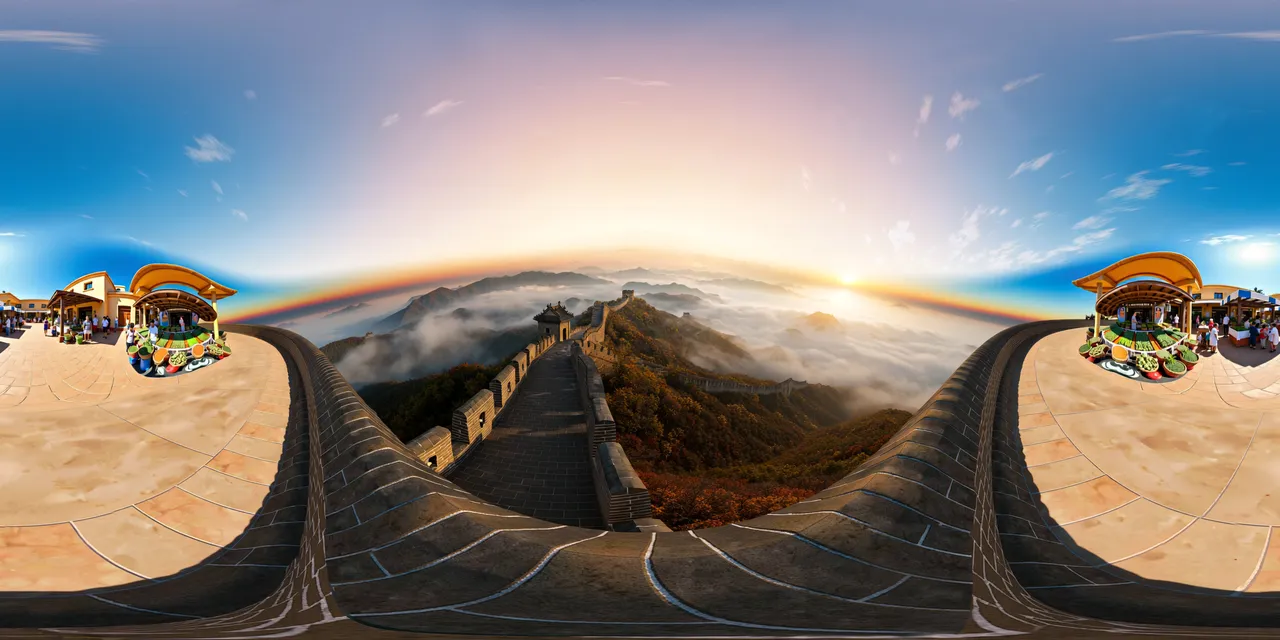
- The same source image can become a skybox, a tour scene or a lighting file — but each destination expects a different container.
- 2:1 equirectangular is the interchange format; cube maps and .hdr files are destination formats.
- A panorama that looks fine as a thumbnail can still fail as a sphere because of a seam, low resolution or clipped highlights.
The short answer: a 360° panorama is useful when the destination is immersive. It is not a better landscape photo. It is a container for a place, and the work is in moving it into the right viewer without losing the edges, the color or the dynamic range.
1. Game and VR skyboxes
Unity, Unreal and Three.js all need a sky that surrounds the camera. A 2:1 panorama can be used directly as an equirectangular background in some pipelines; a six-face cube map is the more portable form for engine skyboxes. The conversion is mechanical, but the face order has to be right: px, nx, py, ny, pz, nz.
- Use 1024 px faces for most real-time scenes, 2048 px for a hero sky.
- Keep the source at 4K or higher if the sky will fill the screen.
- Check the poles: the top and bottom of an equirectangular image carry the most distortion.
2. Virtual tours and property walkthroughs
A virtual tour links several panoramas — and optionally 3D worlds — into one visit. Each scene is a sphere; hotspots and scene links tell the visitor where to look and where to go next. Real-estate listings, hospitality, museums and campus tours all use the same pattern.
The quality bar is higher than for a single image because the visitor can turn around. A visible seam or a soft zenith is much harder to ignore when it is the whole view.
3. Image-based lighting (HDRI)
A 360° image can light a 3D scene: the bright window, the sky and the bounce from the floor all become part of the environment. For that job the file is usually a Radiance .hdr (RGBE), not a JPEG. An 8-bit source can be repackaged as .hdr, but it stays an LDR-derived HDRI — the container changes, not the captured dynamic range.
4. Architectural and product previsualization
Before a room exists, a 360° render lets a client stand inside it. The same sphere can be reviewed in a headset, embedded in a web viewer or used as a lighting reference. For product work, a panorama is a cheap way to test how a material or a display looks in a realistic environment.
5. Travel, museums and location storytelling
Tourism boards, museums and educators use 360° scenes to let people look around a place before they commit to a visit. The value is context: the view from the trailhead, the layout of a gallery, the light in a room at a specific hour.
6. Immersive web experiences
A panorama can be the background of a product launch, a music visual or an interactive story. On the web it is usually loaded as an equirectangular texture in Three.js or as a cube map when performance and mobile memory matter. The same six-face export used for a game skybox works here.
The format decides the destination
- 2:1 equirectangular JPG/PNG/WebP — viewers, virtual tours, source for every other conversion.
- Six square cube-map faces — Unity / Unreal / Three.js skyboxes, engine cubemap textures.
- Radiance .hdr (RGBE) — image-based lighting in Blender, Three.js, Unity or Unreal.
A practical workflow
- 01
Start with a valid 2:1 source
Generate or capture at 2:1. Run it through the Panorama Checker: aspect, seam, resolution and clipping.
- 02
Export for the destination
Cube-map faces for an engine skybox, .hdr for lighting, or keep the equirect for a viewer or tour.
- 03
Verify in the real viewer
Import the result into the engine or viewer and look at the poles and the seam. A browser preview is not the same as the destination.
Where PanoCraft fits
PanoCraft generates the 2:1 source from a prompt or a reference photo, links scenes into a virtual tour, and provides free browser tools for the last mile: panorama to cubemap, cubemap to panorama, panorama checker, image to HDRI, 360° viewer, 360° video maker and globe maker. Nothing in the tool path is uploaded.
Questions this guide answers
Is a 360° photo the same as a panorama?
In practice, yes: a 360° photo is stored as a 2:1 equirectangular panorama. “360” describes the view; “equirectangular” describes the projection.
Can I use a 360° panorama commercially?
It depends on the source and your plan. PanoCraft's terms cover images you generate; a photo you captured may have its own license. Check the license before using a skybox or a listing image commercially.
What resolution do I need?
At least 2048 px wide for a usable web viewer, 3840 px for a 4K display, and 7680 px if the panorama fills a high-resolution headset. The checker labels the class automatically.
Can I turn a normal photo into a 360° panorama?
Only with generation or outpainting: a normal photo does not contain the rest of the sphere. PanoCraft can generate a 360° image from a reference photo, but it is inventing the unseen area, not recovering it.