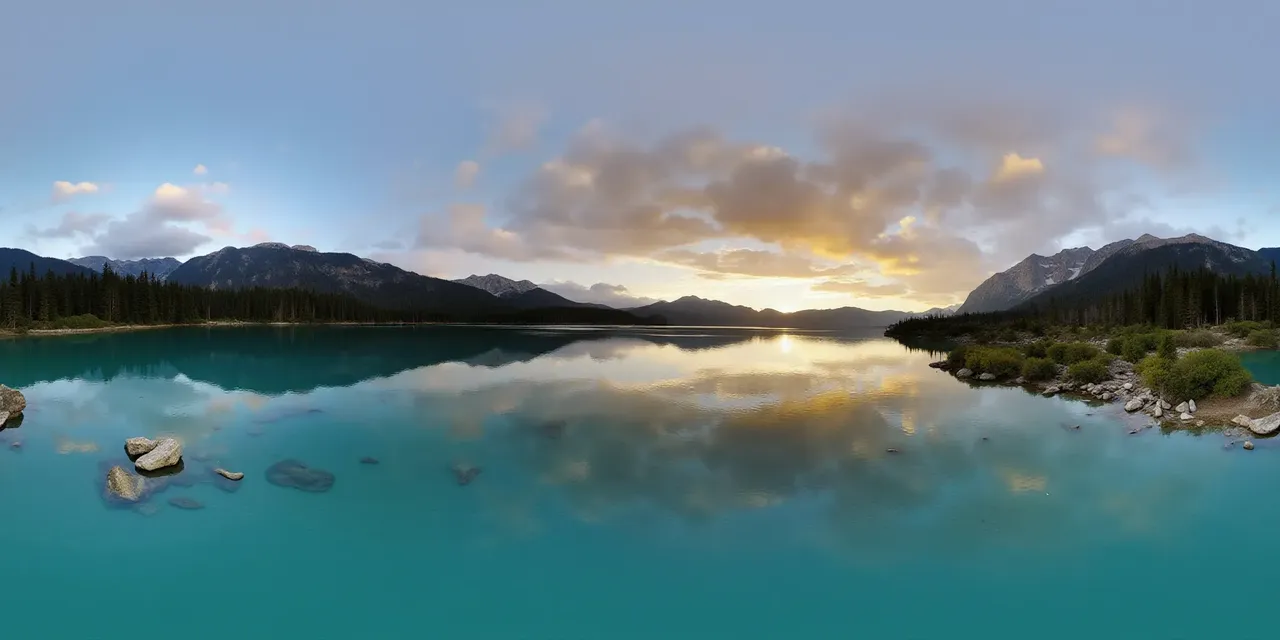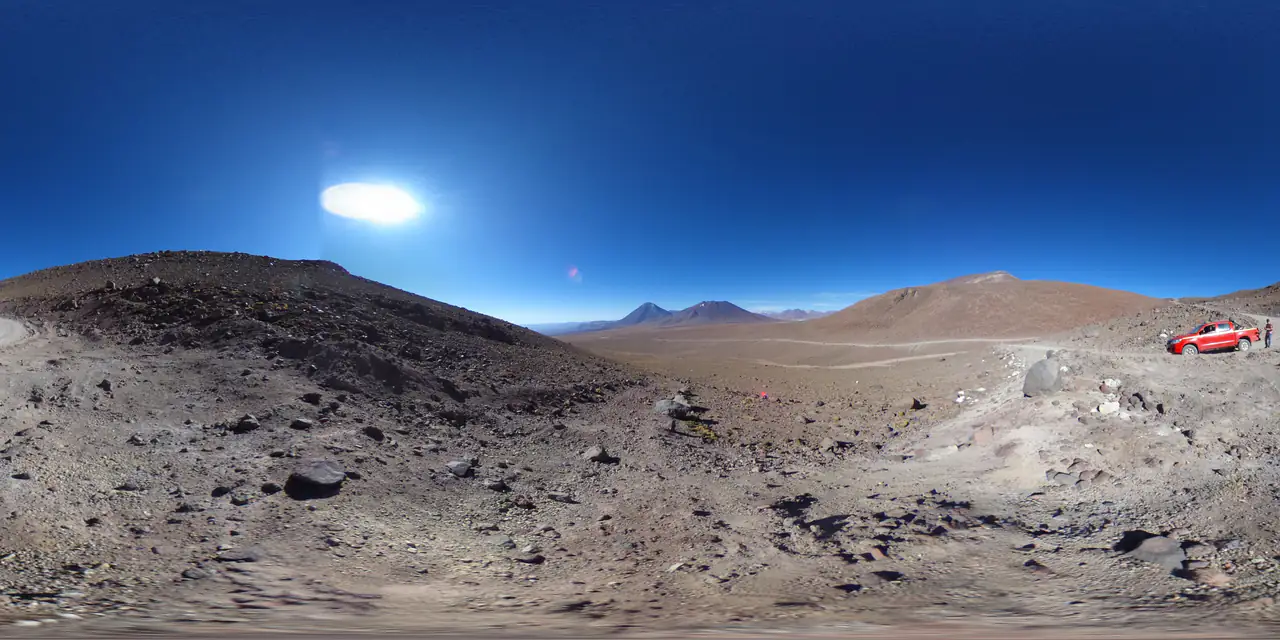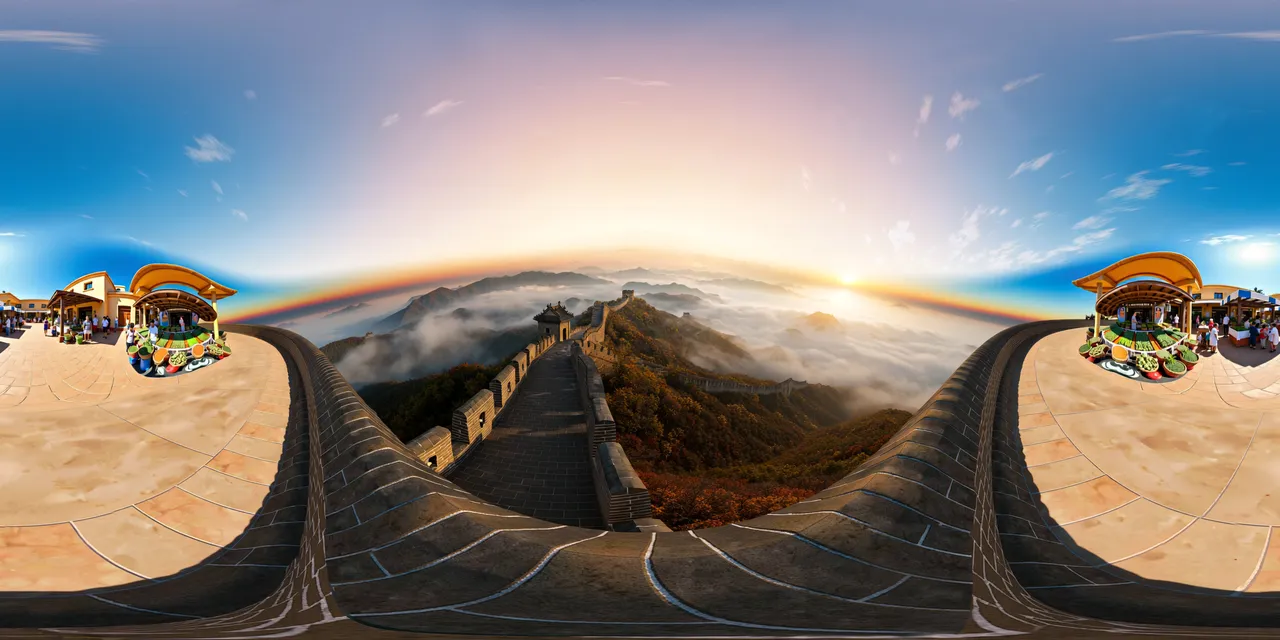
- Equirectangular is one texture and the simplest path; cube maps are six textures and often friendlier to older mobile GPUs.
- Set SRGBColorSpace on color textures; an RGBE environment stays linear.
- CubeTextureLoader expects px, nx, py, ny, pz, nz — the same order PanoCraft exports.
Path 1 — one equirectangular texture
Load the 2:1 image, set its mapping to EquirectangularReflectionMapping, and assign it to the scene background. This is the fewest moving parts and the easiest path for a CMS-driven tour.
import * as THREE from "three";

const renderer = new THREE.WebGLRenderer({ antialias: true });
const scene = new THREE.Scene();
const camera = new THREE.PerspectiveCamera(75, innerWidth / innerHeight, 0.1, 1000);

const texture = await new THREE.TextureLoader().loadAsync("/panorama.jpg");
texture.mapping = THREE.EquirectangularReflectionMapping;
texture.colorSpace = THREE.SRGBColorSpace;
scene.background = texture;

renderer.setAnimationLoop(() => renderer.render(scene, camera));If the texture is also used for lighting, assign it to scene.environment. For a physically plausible result, prefer an RGBE .hdr for the environment and keep the LDR image for the visible background.
Path 2 — six cube-map faces
A cube map costs six requests but gives the renderer a native cube texture. It is also the same asset you can drop into Unity or Unreal, which makes it a good archive format for a scene library.
const loader = new THREE.CubeTextureLoader();
const cube = await loader.loadAsync([
  "/px.png", "/nx.png", "/py.png",
  "/ny.png", "/pz.png", "/nz.png",
]);
cube.colorSpace = THREE.SRGBColorSpace;
scene.background = cube;Use the Panorama to Cubemap tool to produce the six faces from a 2:1 source. Keep the same size for all six; a mismatched face is immediately visible at the seam.
Looking around
OrbitControls can drive a panorama viewer if the camera stays at the sphere's center and the target is the center too. Disable panning and set a sensible zoom range; for a real viewer, map pointer drag to yaw and pitch and clamp the pitch to ±90°.
let yaw = 0;
let pitch = 0;

renderer.domElement.addEventListener("pointermove", (event) => {
  if (event.buttons !== 1) return;
  yaw -= event.movementX * 0.0025;
  pitch -= event.movementY * 0.0025;
  pitch = Math.max(-Math.PI / 2, Math.min(Math.PI / 2, pitch));
  camera.rotation.set(pitch, yaw, 0, "YXZ");
});Mobile performance
- Serve 4K equirectangular images to desktop and 2K to phones when possible.
- Cube maps can be friendlier to older GPUs, but six textures still cost memory; keep faces at 1024 px for mobile.
- Set texture.anisotropy to the renderer's capability, not an arbitrary high number.
- Pause rendering when the tab is hidden; a static panorama does not need a continuous 60 fps loop.
Common mistakes
- Forgetting EquirectangularReflectionMapping, so the texture looks like a flat poster.
- Using SRGBColorSpace on an RGBE environment; it should stay linear.
- Passing the six faces in the wrong order, which mirrors the world.
- Allowing pitch beyond ±90°, which flips the view over the pole.
Before you publish
Test the viewer at phone width, drag across the seam and look straight up and down. If the seam is visible, fix the source before adding UI. The Panorama Checker reports the seam and resolution class without uploading the file.
Questions this guide answers
Which is faster in Three.js: equirectangular or cubemap?
It depends on the device and the texture size. Equirectangular is one texture and one request; cube maps are six textures but can be friendlier to older GPUs. Measure on the target phone, not only on desktop.
Why is my Three.js panorama upside down?
Check the texture mapping and the camera rotation order. EquirectangularReflectionMapping expects the standard 2:1 orientation; a flipped source or a wrong rotation order will invert the view.
How do I reduce memory on mobile?
Use 2K textures on phones, keep cube faces at 1024 px, enable mipmaps, and release textures when the scene changes. Do not keep both the equirectangular and the cube map loaded if you only need one.
Can I use an HDR environment in Three.js?
Yes. Load a Radiance .hdr with RGBELoader, set EquirectangularReflectionMapping and assign it to scene.environment. Use the Image to HDRI tool to create an LDR-derived .hdr from a panorama.