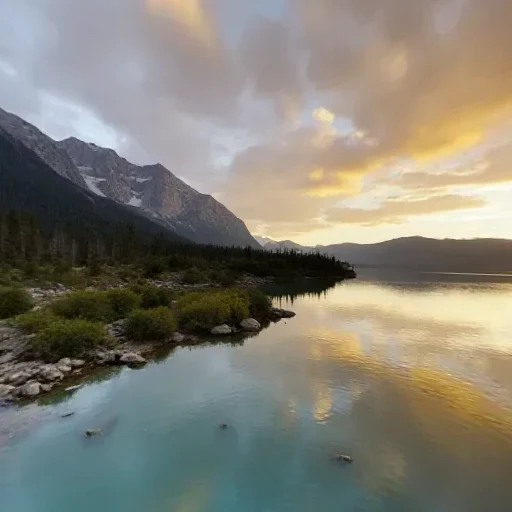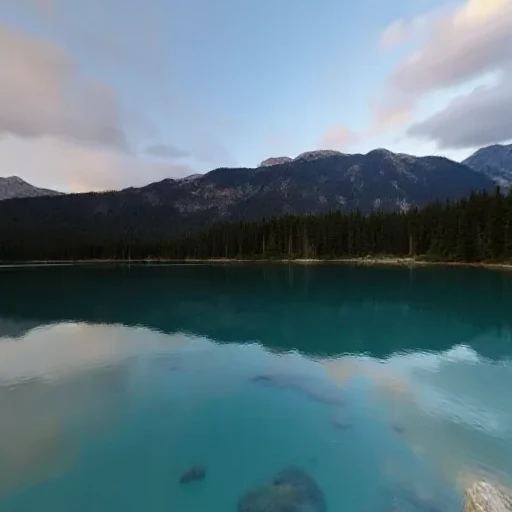
- A .hdr file stores RGBE values; it is the standard container for image-based lighting.
- Converting a JPEG/PNG to .hdr is LDR-derived: the dynamic range is encoded, not captured.
- Exposure in the file shifts the mid-tone. Tone mapping and the engine's own exposure still matter.
What an HDRI actually does
A normal 8-bit image stores color in a display-referred range. An HDRI stores values that can go far above 1.0, so a bright window or the sun can be much brighter than a wall. Renderers use those values to compute reflections, shadows and bounce light.
That is why an HDRI can make a 3D object look like it belongs in a place: the object is lit by the same environment the viewer sees. A plain JPEG background can do the visible part, but not the lighting.
The honest limitation: LDR-derived HDRI
PanoCraft labels the output as LDR-derived for that reason. It is still useful for look development, backgrounds and quick lighting setup — just do not sell it as a measured HDR capture.
The conversion pipeline
- 01
Check the source
Run the Panorama Checker. A seam or clipped sky will be baked into the HDRI; fix the source first.
- 02
Choose exposure
Start at 0 EV. Move in ±1 EV steps; the preview shows the shift before you encode. Avoid extreme values that push most pixels to black or white.
- 03
Encode and verify
Download the .hdr, import it into the target renderer and inspect reflections and shadows, not just the background.
Blender
Add an Environment Texture node, load the .hdr and connect it to the World Background. Use the same texture for lighting and for the visible background unless you deliberately want separate controls. If the scene is too bright, lower the Background strength or the film exposure; do not re-encode the file every time.
Three.js
import { RGBELoader } from "three/addons/loaders/RGBELoader.js";

const hdr = await new RGBELoader().loadAsync("/panorama.hdr");
hdr.mapping = THREE.EquirectangularReflectionMapping;
scene.environment = hdr;
scene.background = hdr;For lighting, keep the texture in linear color space; do not set SRGBColorSpace on an RGBE environment. Set the renderer's tone mapping and exposure to taste — the file's EXPOSURE header is metadata, not a tone-mapping curve.
Common mistakes
- Encoding an already-clipped panorama and expecting highlight recovery.
- Using a .hdr as an sRGB background texture, which double-corrects the color.
- Setting exposure in the file and again in the renderer without checking the result.
- Ignoring the seam: a vertical line in the environment becomes a visible line in reflections.
When not to use an HDRI
If you only need a background and no lighting interaction, a JPEG or WebP is smaller and easier. If you need true measured range, use a bracketed capture or a dedicated HDRI library. The converter is a bridge for LDR panoramas, not a replacement for a light probe.
Questions this guide answers
Is a JPG converted to .hdr a real HDRI?
It is a valid Radiance file, but it is LDR-derived. The container is HDR; the captured range is still the 8-bit source's range. Clipped highlights cannot be recovered.
What exposure should I choose?
Start at 0 EV. Use ±1 EV steps and judge the preview, then fine-tune in the renderer's exposure. Extreme values mostly move pixels to black or white.
Does Blender read the exported .hdr?
Yes. Use an Environment Texture node and load the file. The output uses standard Radiance RLE, which Blender, Three.js RGBELoader, Unity and Unreal can read.
Why does my HDRI look dark in the engine?
Check color space, tone mapping and the engine's exposure. An RGBE environment should stay linear; setting an sRGB color space on it will make it look wrong.